Page 1 of 1
Andes Asset Pack 1
Posted: Thu Nov 06, 2008 2:14 pm
by ANDEWEGET
-------------CONSTANTLY UPDATED RELEASE PAGE: http://www.gametoast.com/forums/viewtop ... 64&t=18603 -----------
Asset PAck of the past half year. Most Files are Models + some effects and prop-odfs.
Contains:
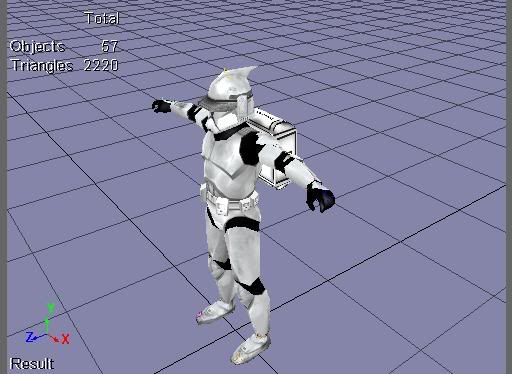
Clone with Backpack
CR-23
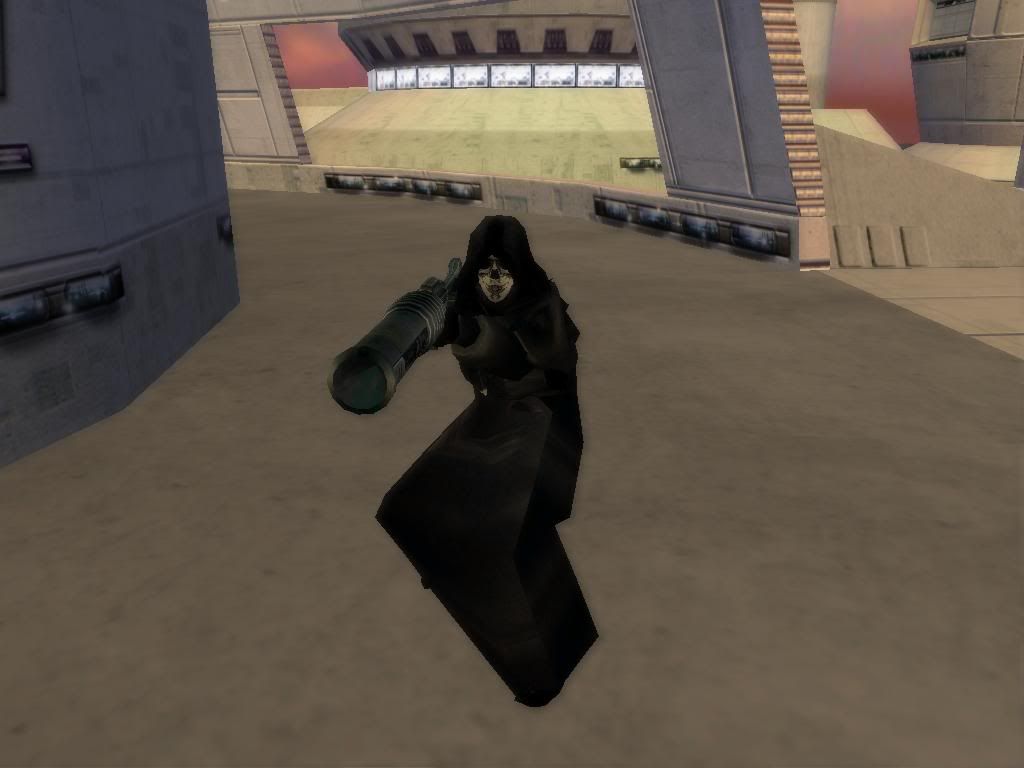
Death In Person
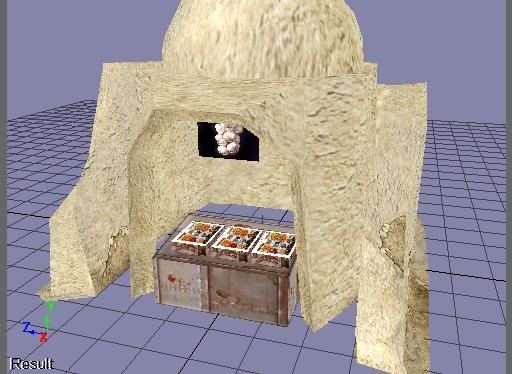
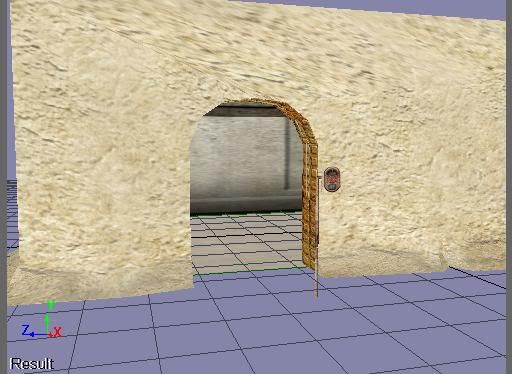
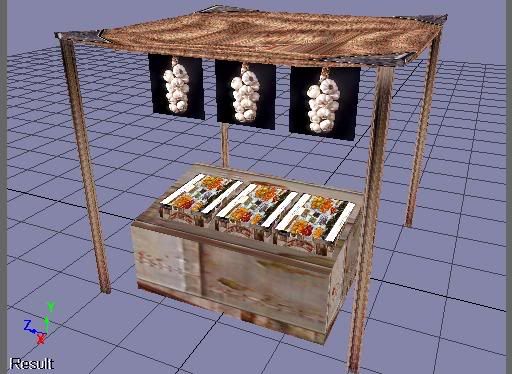
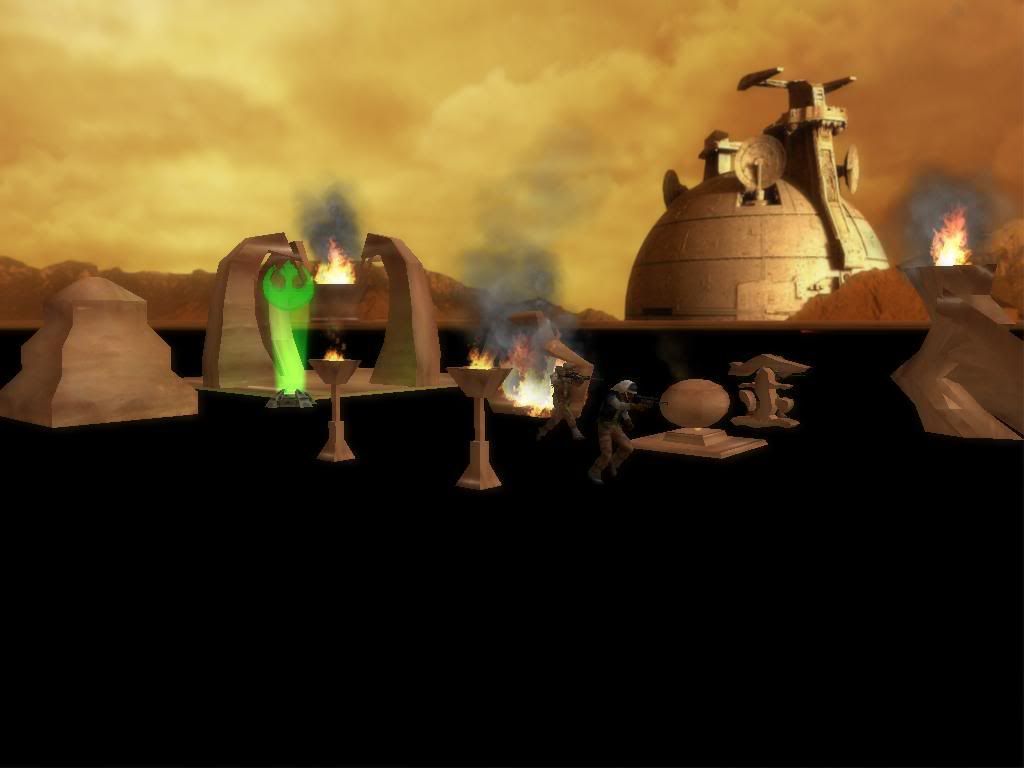
Tatooine stuff
Effects
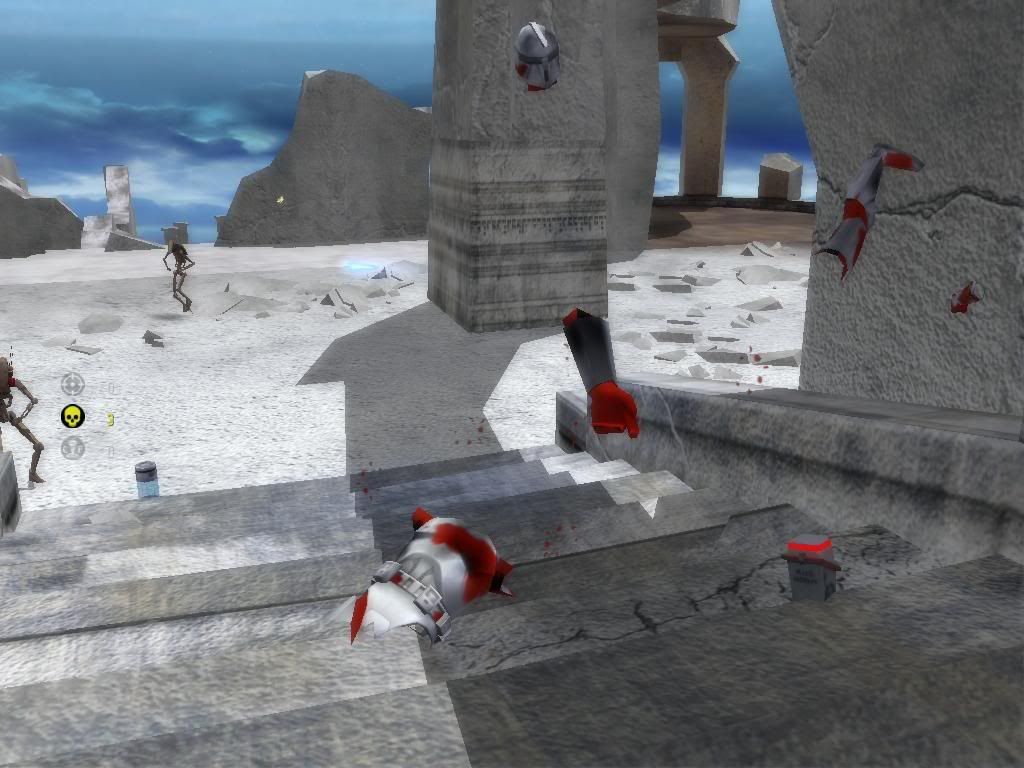
Phase I Clone Chunks
WhatEver_Collection
MandoStuff
Screens(in order[not updated]):
Download Link:
Google Drive
Have Fun!
Re: Andes Asset Pack 1
Posted: Thu Nov 06, 2008 4:49 pm
by RED51
O.O
Those models look cool! BTW, Is there a phase 2 clone trooper with a backpack without a visor?
Re: Andes Asset Pack 1
Posted: Thu Nov 06, 2008 6:28 pm
by Deviss
wow

the clone with backpack is greatesst

good work
Re: Andes Asset Pack 1
Posted: Thu Nov 06, 2008 7:00 pm
by NullCommando
Sweet! Those look amazing.
Re: Andes Asset Pack 1
Posted: Thu Nov 06, 2008 7:04 pm
by Ka-Ching
Hey,Love The Models
Re: Andes Asset Pack 1
Posted: Thu Nov 06, 2008 7:24 pm
by PhantoM
Oh my gosh I love that gun! Lmao @ the clone chunks btw, how has nobody else ever thought of that? I agree though, the clone with the backpack is the best.
Re: Andes Asset Pack 1
Posted: Thu Nov 06, 2008 8:39 pm
by redgroupclan
Clone chuncks with bleeding were cool.
Re: Andes Asset Pack 1
Posted: Fri Nov 07, 2008 6:37 am
by ANDEWEGET
thx for comments
if someone could tell me if i need rotatings for bone_ribcage addon meshes i could make the backpack as addon
Re: Andes Asset Pack 1
Posted: Fri Nov 07, 2008 7:35 am
by AceMastermind
ANDEWEGET wrote:if someone could tell me if i need rotatings for bone_ribcage addon meshes i could make the backpack as addon
We have a tutorial linked in the
XSI Tutorials sticky that explains how to set one up, but since many people tend to ignore stickies I can see how you overlooked it.
 Quick Tutorial
:
- Import Unit_Template_Beta into your scene(for position reference)
Create your backpack
Position the backpack on the Unit where you want it
Freeze the Transforms on your backpack(Transform>Freeze All Transforms)
Create a Null and name it dummyroot
With dummyroot selected go Transform>Match All Transforms
then select bone_ribcage
Select dummyroot and press the / key(forward slash) then left click your backpack
right click to end pick session
In the Explorer middle click dummyroot and export.
Re: Andes Asset Pack 1
Posted: Fri Nov 07, 2008 8:29 am
by Delta-1035
wow downloading now! i love the clone with backpack and the clone chunks are funny but very nice for an explosion!
Re: Andes Asset Pack 1
Posted: Fri Nov 07, 2008 11:16 am
by ANDEWEGET
i saw the tut before, but someone said for bone_head addons, i have to rotate it somehow. im not a swbf 2 modder so i couldnt try it out = question
whats
AceMastermind wrote:...the / key(forward slash)...
?
Re: Andes Asset Pack 1
Posted: Fri Nov 07, 2008 12:04 pm
by AceMastermind
ANDEWEGET wrote:i saw the tut before, but someone said for bone_head addons, i have to rotate it somehow. im not a swbf 2 modder so i couldnt try it out = question
It doesn't matter, the procedure is the same, just follow the tutorial I posted and you'll be fine, it works for any bone and any type of addon.
ANDEWEGET wrote:whats
AceMastermind wrote:...the / key(forward slash)...
?
It's the hotkey for parenting objects, when in doubt have a look in the docs:
http://softimage.wiki.avid.com/xsidocs/ ... m#Rat84310
Re: Andes Asset Pack 1
Posted: Fri Nov 07, 2008 1:05 pm
by ANDEWEGET
her the
download link(<click) if someone wants to test it
Re: Andes Asset Pack 1
Posted: Sun Nov 09, 2008 6:28 pm
by Silas
it's surprising no one thought of clone trooper chunks before. That's really funny and cool

Re: Andes Asset Pack 1
Posted: Sun Nov 09, 2008 8:07 pm
by Delta 47
Wow, these look great!
Re: Andes Asset Pack 1
Posted: Tue Nov 11, 2008 10:04 am
by Delta-1035
ANDEWEGET wrote:her the
download link(<click) if someone wants to test it
i want to test but: which line we have to add in the unit odf?
Re: Andes Asset Pack 1
Posted: Tue Nov 11, 2008 12:08 pm
by Deviss
Delta-1035 wrote:ANDEWEGET wrote:her the
download link(<click) if someone wants to test it
i want to test but: which line we have to add in the unit odf?
you must add these lines:
AnimatedAddon = "BACKPACKTHINGY"
GeometryAddon = "addon_mesh_name"
AddonAttachJoint = "bone_ribcage"
this addon work perfectly
Re: Andes Asset Pack 1
Posted: Tue Nov 11, 2008 12:21 pm
by Delta-1035
thx REX i'm munging now!

Edit: It works perfectly

Re: Andes Asset Pack 1
Posted: Wed Nov 12, 2008 8:45 am
by ANDEWEGET
kk thx for testing
Re: Andes Asset Pack 1
Posted: Wed Nov 12, 2008 11:24 am
by Delta-1035
you're welcome, you did a wonderfull job!