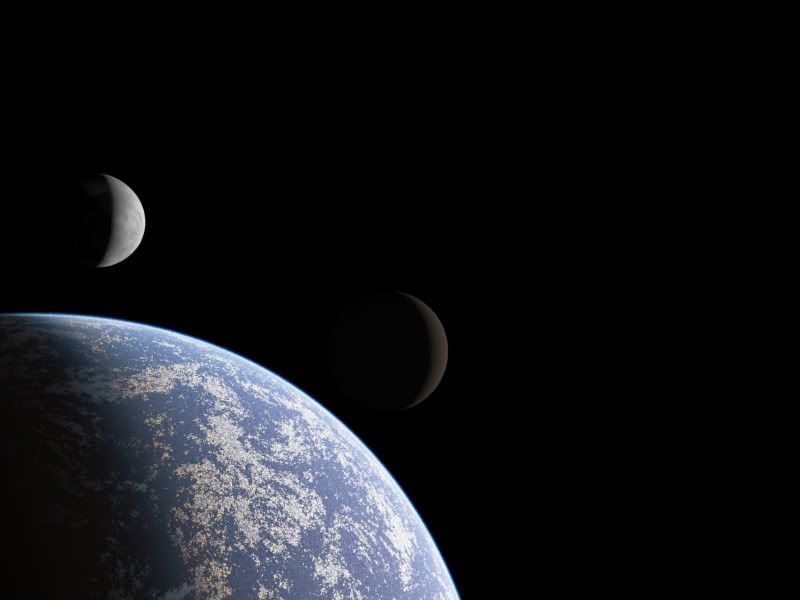
Re: Terragen Gallery
Posted: Sat Mar 06, 2010 3:21 pm
Yeah, colors, lighting/atmosphere, and shader heights all needed work, but it came out relatively well.
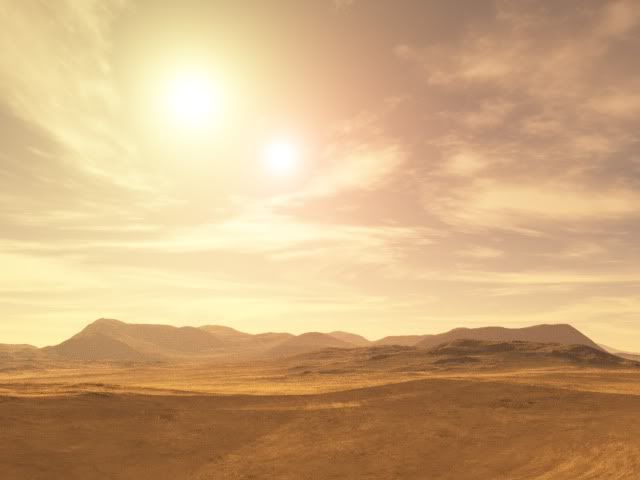
Looking good. I actually had gotten a start on a Tatooine-style planet, but my computer decided to restart itself when I walked away for a few minutes without saving my work.GangsterJawa wrote:Don't worry, my first ones were pretty bad too.Hebes24 wrote:My first crack at T-Gen:
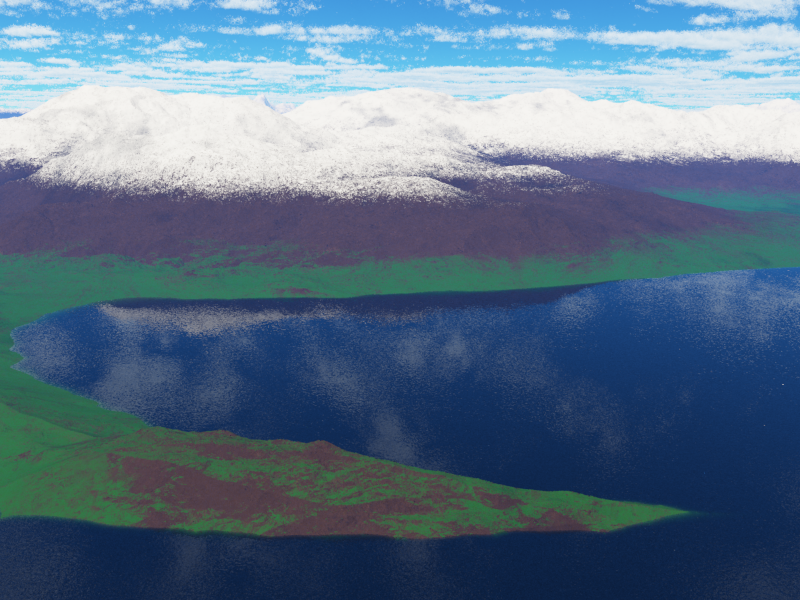
Not as good as I would like, but not bad for a first try, huh? T-Gen is quite the application!Hidden/Spoiler:
...
j/k, it looks alot better than my first ones anyway. I'd try to adjust the "fuzzy zone" for the snow, and probably the grass too. It looks like geological Neapolitan flavored ice cream.
EDIT: You had such a good Egg, that I had to go and beat you to it: Hidden/Spoiler:
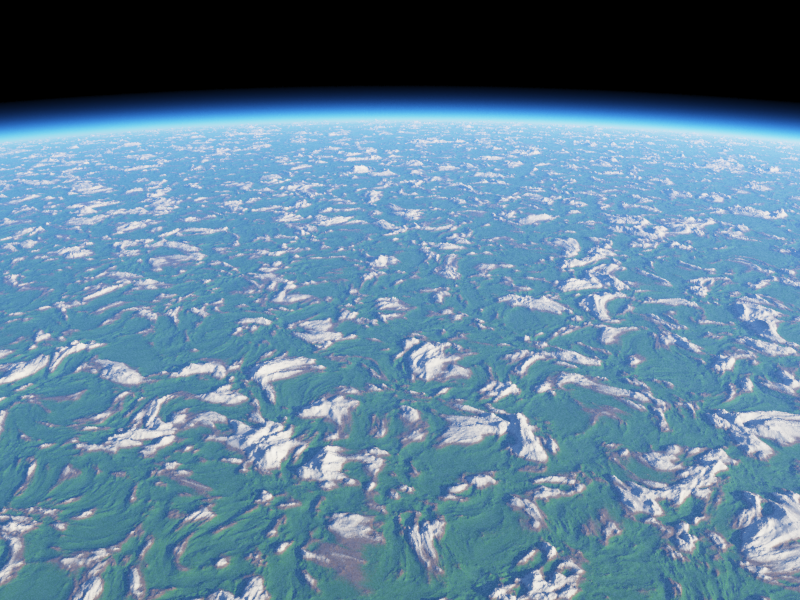
My biggest problem was in getting the suns to appear similar to the way they do in EpIV during the sunset - because one sun is redder than the other, its light doesn't travel as much through the atmosphere, so it appears much smaller. I had to do a lot of adjusting with haze density, light strength, and so on to make it look remotely similar.Looks nice. Personally, I would do some smaller-scale work with heightfields to break the surface into a few continents and oceans (if you can call that small-scale), but the base world is great.Hebes24 wrote:I think I have some better colors and layering this time. I've always loved these low-orbit type images from Terragen:
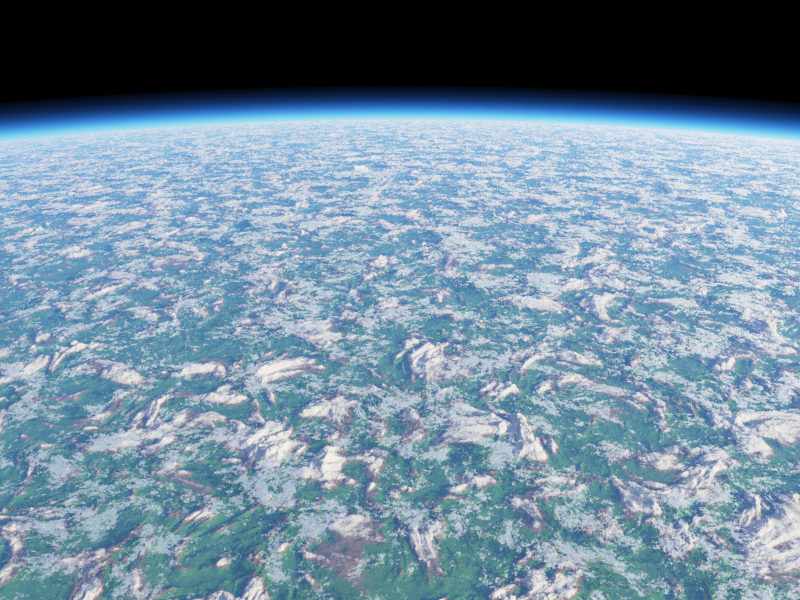
I'll probably add some clouds in there, then use GIMP to put in some stars and make a full space art piece out of it.Hidden/Spoiler:

How exactly do you get low-orbit renders like that? (other than zooming out in the mini-render for a very long time)Eggman wrote:Looks nice. Personally, I would do some smaller-scale work with heightfields to break the surface into a few continents and oceans (if you can call that small-scale), but the base world is great.Hebes24 wrote:I think I have some better colors and layering this time. I've always loved these low-orbit type images from Terragen:
I'll probably add some clouds in there, then use GIMP to put in some stars and make a full space art piece out of it.Hidden/Spoiler:
I love that type of camera angle as well, but it bothers me that the sun only appears when you're in the atmosphere. I've been wanting to do some renders similar to the opening scene of Revenge of the Sith, but I can't get quite the same effect because the sun disappears one you exit the atmosphere.