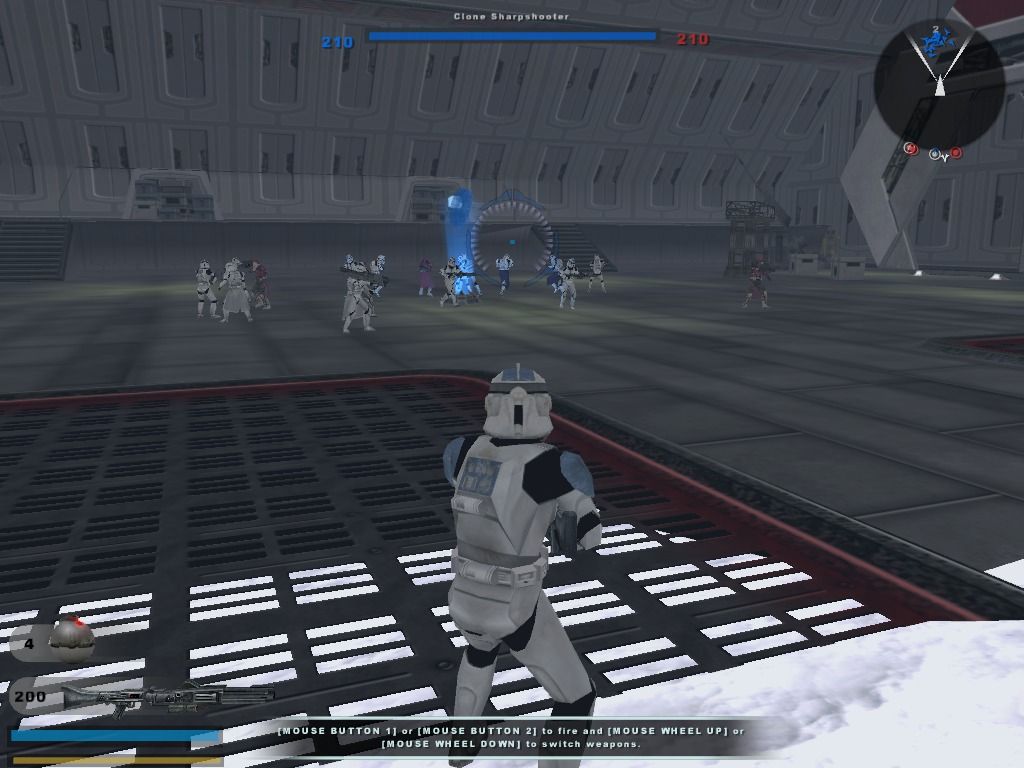
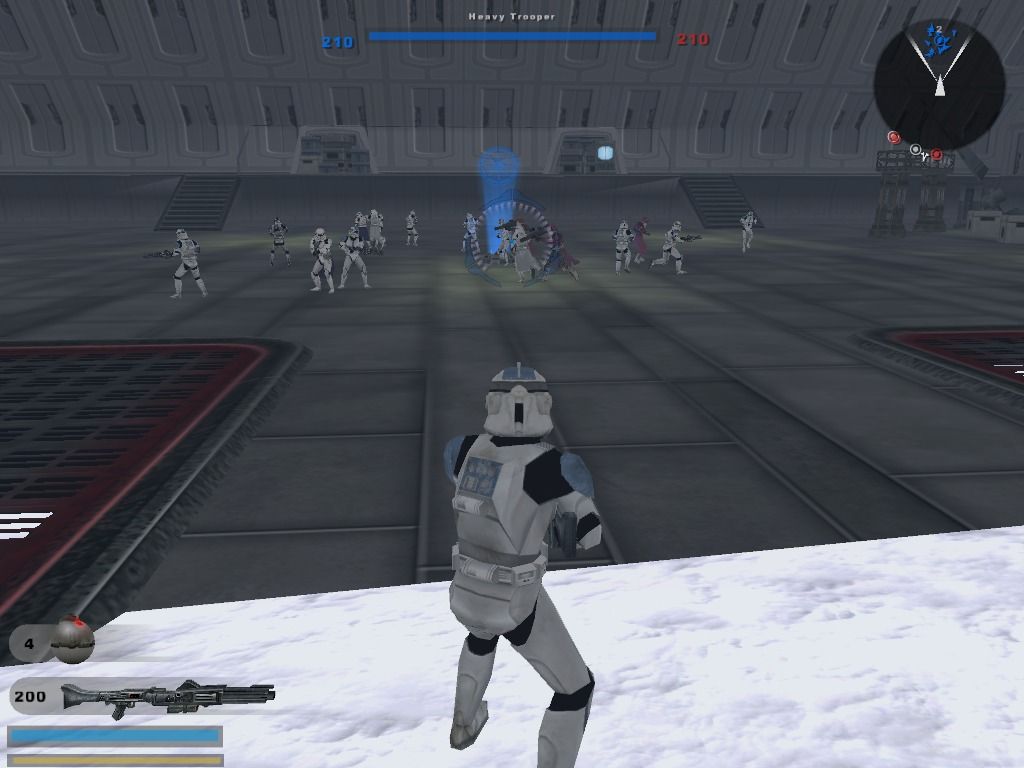
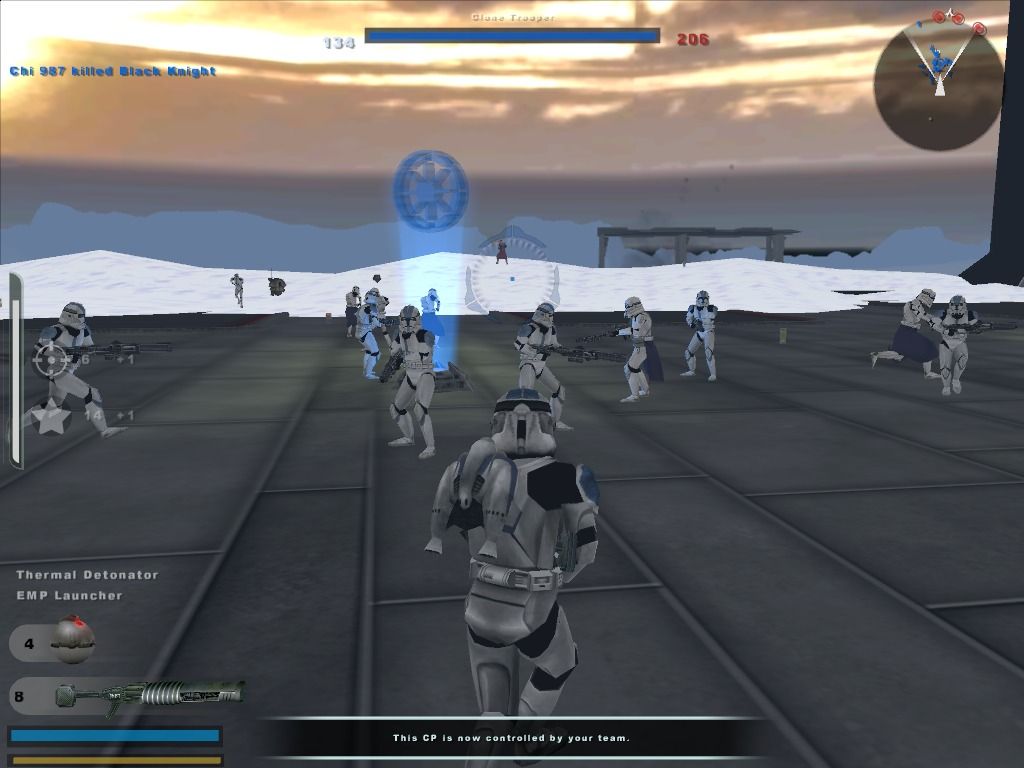
Ai just sit at the command post.

In this forum you will find and post information regarding the modding of Star Wars Battlefront 2. DO NOT POST MOD IDEAS/REQUESTS.

Moderator: Moderators

Post Reply
User avatar
RogueCruiser
3rd Warning
3rd Warning
Posts: 144
Joined: Sun May 10, 2009 4:09 pm
Projects :: No Mod project currently.
Games I'm Playing :: I have not listed any games yet
xbox live or psn: No gamertag set
Location: Inside a whale.

Ai just sit at the command post.

Post by RogueCruiser »

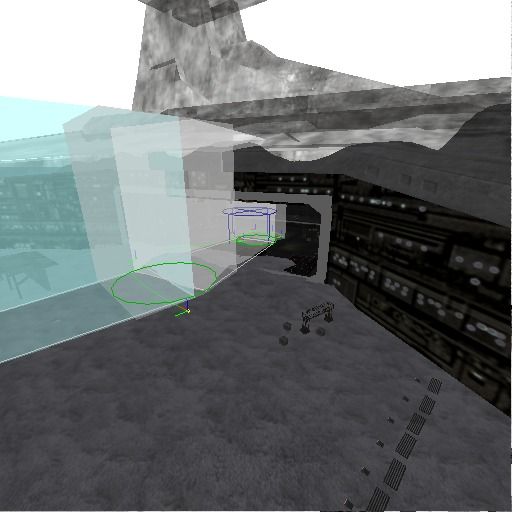
I have a command post in my map. Ingame the ai would spawn and just run randomly towards a command post so i added planning and barriers to my map. (the barriers are around some buildings somewhere else on the map)
Planning:
Hidden/Spoiler:
Image

But after i added that stuff they just stand there:
Hidden/Spoiler:
Image

Image

Image
P.s- Non of the planning excludes infantry

Why? How do i fix it?

AQT
Gametoast Staff
Gametoast Staff
Posts: 4910
Joined: Sat Nov 03, 2007 4:55 pm
Location: SoCal, USA

Re: Ai just sit at the command post.

Post by AQT »

The AI's primary objective in Conquest mode is to capture enemy CPs. So just use barriers alone; no need for planning.
User avatar
RogueCruiser
3rd Warning
3rd Warning
Posts: 144
Joined: Sun May 10, 2009 4:09 pm
Projects :: No Mod project currently.
Games I'm Playing :: I have not listed any games yet
xbox live or psn: No gamertag set
Location: Inside a whale.

Re: Ai just sit at the command post.

Post by RogueCruiser »

Oh really, do I just push delete to remove them then?
AQT
Gametoast Staff
Gametoast Staff
Posts: 4910
Joined: Sat Nov 03, 2007 4:55 pm
Location: SoCal, USA

Re: Ai just sit at the command post.

Post by AQT »

Pushing the "delete" key won't do anything. On the lefthand panel in ZE under Planning mode, click on the "Edit/Move Hub" tab. Now choose your hub by clicking on it and then hit the "delete" key. This will delete it. Now repeat this process for any additional hubs. Deleting connections is pretty much the same thing. This time click on the "Edit Connection" tab. Now choose your connection by clicking on it and then hit the "delete" key to delete it. Easy as apple pie.
User avatar
RogueCruiser
3rd Warning
3rd Warning
Posts: 144
Joined: Sun May 10, 2009 4:09 pm
Projects :: No Mod project currently.
Games I'm Playing :: I have not listed any games yet
xbox live or psn: No gamertag set
Location: Inside a whale.

Re: Ai just sit at the command post.

Post by RogueCruiser »

Well, i was able to delete them by clicking one in the list in the box and that removed them.
Post Reply