Page 1 of 1
"Bespin: Imperial Base" (cancelled)
Posted: Wed Jun 19, 2013 7:56 pm
by BF2-Master
"Bespin: Imperial Base"
by JVM (BF2-Master) and [Padawan]Helkaan
Eras: Clone Wars, Galactic Civil War
Modes: Conquest, 1-Flag CTF, Uber, Heroes vs. Villains
Latest Changes:
April 18th, 2014: This map has been permanently cancelled.
Current BETA version:
Previous BETA version:
Credits
Re: Bespin: Imperial Base
Posted: Wed Jun 19, 2013 8:09 pm
by Maveritchell
Why would you manually localize an addon era? Just use the core.lvl that the tutorial instructs you to use.
Re: Bespin: Imperial Base
Posted: Wed Jun 19, 2013 8:17 pm
by BF2-Master
Maveritchell wrote:Why would you manually localize an addon era? Just use the core.lvl that the tutorial instructs you to use.
The file's offline and as I've been trying to push myself to do as much work on this by myself, since my old problem used to be, well, not doing much without starting a topic asking for help.
Re: Bespin: Imperial Base
Posted: Wed Jun 19, 2013 9:32 pm
by Marth8880
Lighting, dude! Do you have it?!?

Re: Bespin: Imperial Base
Posted: Wed Jun 19, 2013 9:47 pm
by BF2-Master
Marth8880 wrote:Lighting, dude! Do you have it?!?
Nope, or at least not yet. I didn't really think much into it for this map.
Re: Bespin: Imperial Base
Posted: Thu Jun 20, 2013 12:27 am
by THEWULFMAN
Adding a directional light pretty much increases the quality of a map twiceover.
Re: Bespin: Imperial Base
Posted: Thu Jun 20, 2013 11:44 am
by Ant
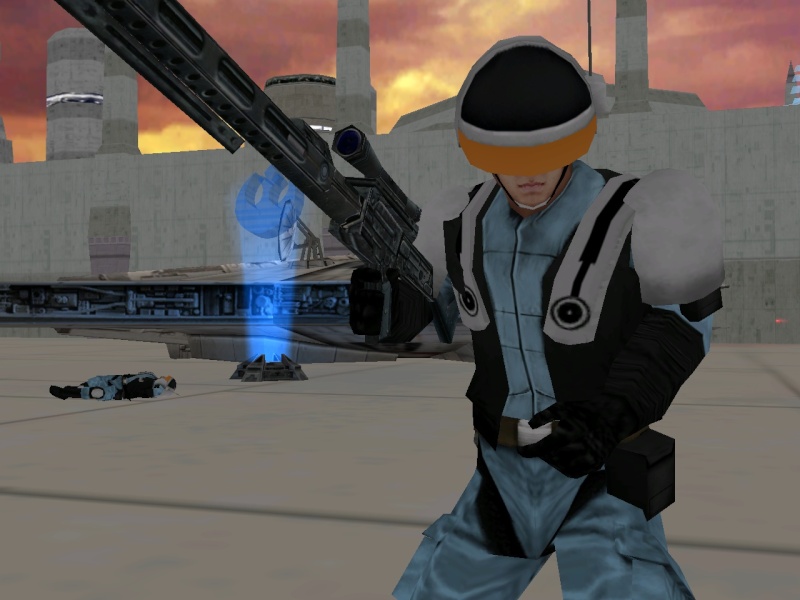
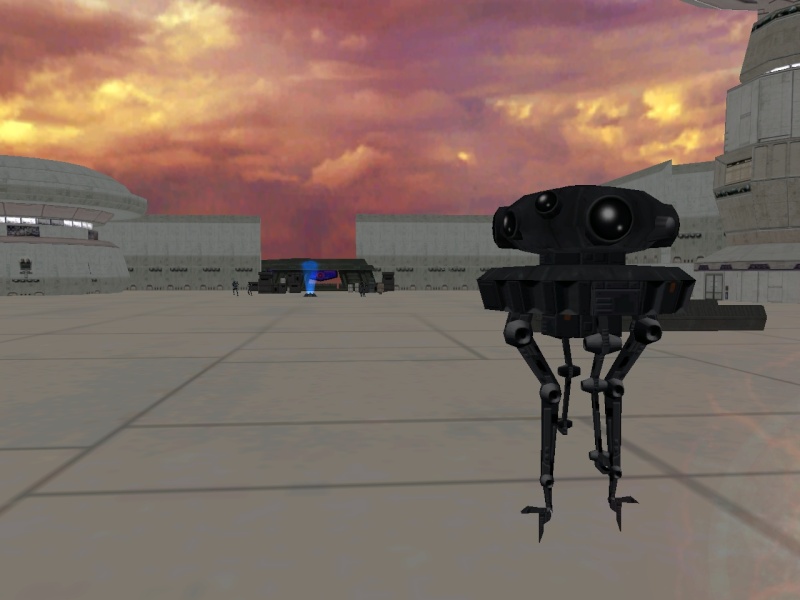
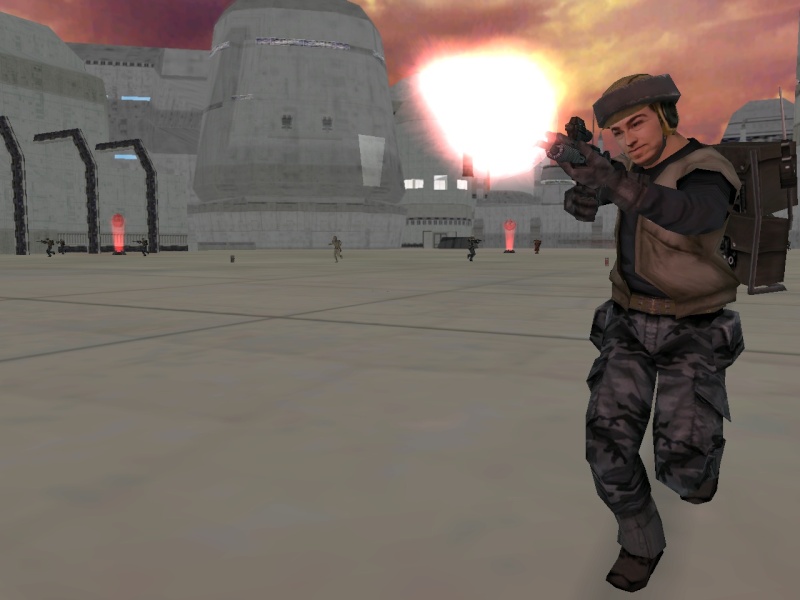
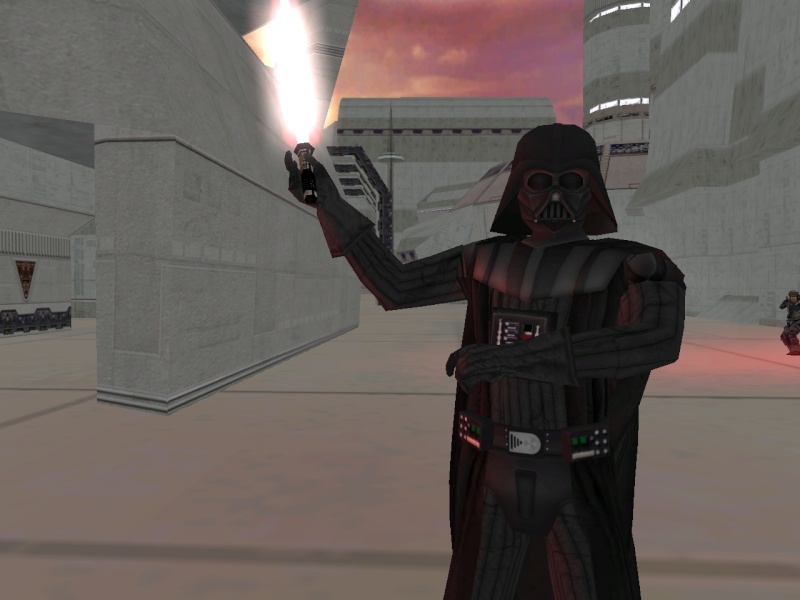
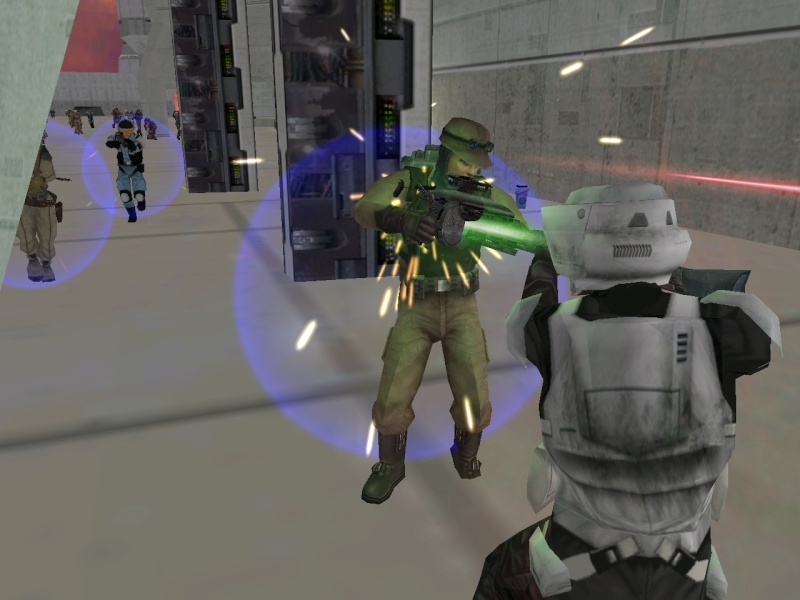
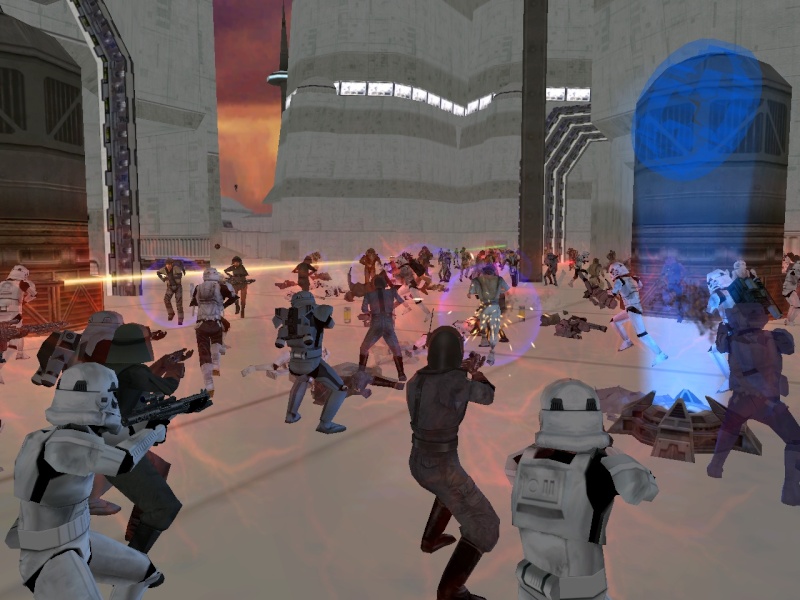
Okay so I have some more screenshots!

Re: Bespin: Imperial Base
Posted: Thu Jun 20, 2013 9:04 pm
by Fiodis
It looks a bit wide and open.
Re: Bespin: Imperial Base
Posted: Thu Jun 20, 2013 9:08 pm
by Ant
Fiodis wrote:It looks a bit wide and open.
The main battlefield is...but there are areas for close combat. It's a quite big map so it features all different kinds of ranges. And the open areas are filled with tons of troopers, bombs, and fighting so it doesn't really matter...

Re: Bespin: Imperial Base
Posted: Sun Jun 23, 2013 2:41 pm
by BF2-Master
^ That last photo's beautiful. XL and Uber modes do this map so much more justice than regular old Conquest does.
Re: "Bespin: Imperial Base" (70% complete)
Posted: Sun Jun 30, 2013 2:09 am
by Marth8880
So here's what you'll need to make your map run beautifully and look beautiful:
Planning, Barriers and Hintnodes Tutorials (in-depth explanations)
Directional lighting:
In Zero Editor, open up your map (make sure you have "Build accurate object collision" checked) and go to the "Light" tab.
Create a new light, place it literally wherever you want in your map (I usually place mine in the general area where the sun is), and call it "Sun"; change its type to "Dir", for "directional," and change its settings so "Cast Specular" and "Cast Shadows" are enabled; oh, and probably change the color of the light to however you please as well - probably at least make it a bit darker than 255,255,255 since 255,255,255 will make your units that have specular glow like crazy.
Now over to the right, type "Sun" into the text field under "Directional Light 1" and change the Top Ambient and Bottom Ambient Colors to whatever you please.
Finally, click on the "Image" button, make sure "Burn Object Shadows" is set to "Yes," and click "Burn Terrain."
Re: "Bespin: Imperial Base" (75% complete)
Posted: Sun Jun 30, 2013 4:16 am
by BF2-Master
Edited the first post quite a bit. The storylines'll appear on the actual map instead of tips and tricks, removed the oldest tiny screenshots, and added a little 'updates' section.
Marth, I can't thank you enough right now. The lighting tut in the documentation was confusing me, and finding an alternative was difficult, and my last two attempts failed horrendously. Now I finally have some light working. Thanks a ton, man!

New screenshots soon!
EDIT:
Lighting test in ZeroEdit. The map crashes now, so I think I messed something up here

Re: Bespin: Imperial Base
Posted: Wed Jul 03, 2013 5:16 pm
by AQT
I was meaning to mention this earlier, but forgot: The Millenium Falcon prop you are using shown here:
Ant wrote:Okay so I have some more screenshots!
actually has a separate model for its landing gear, as shown in the stock Hoth map. I think it would look better if you were to include it.