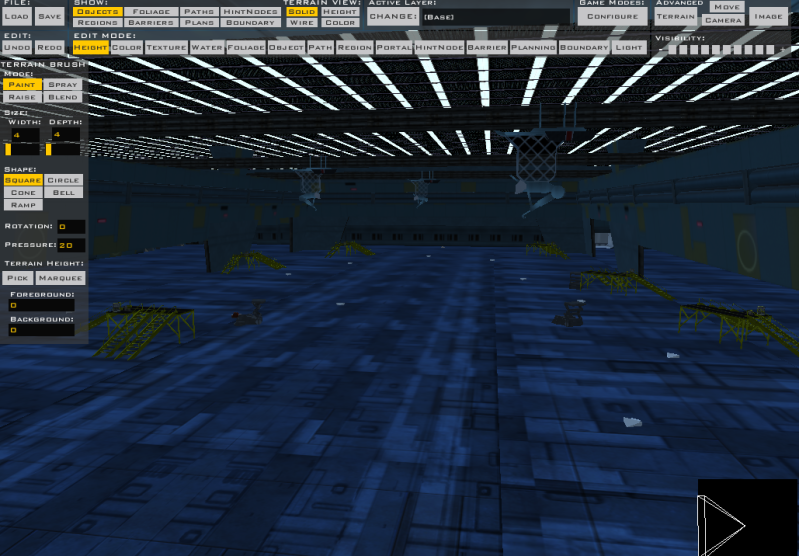
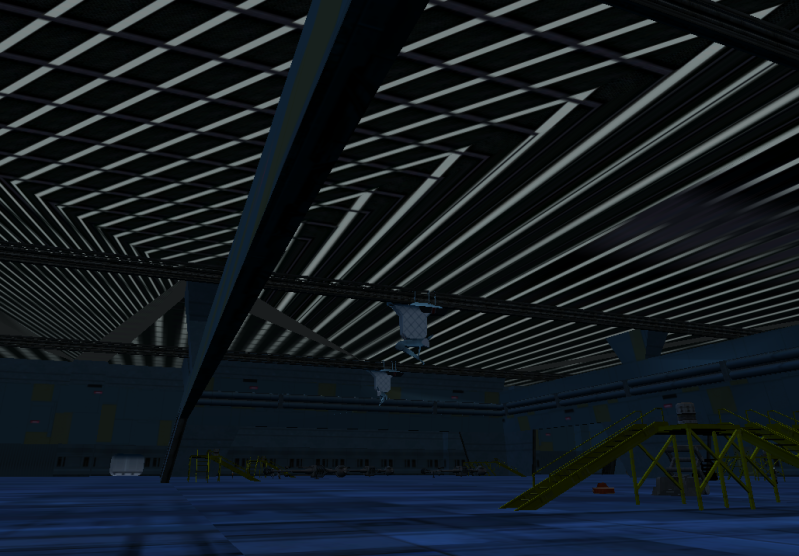
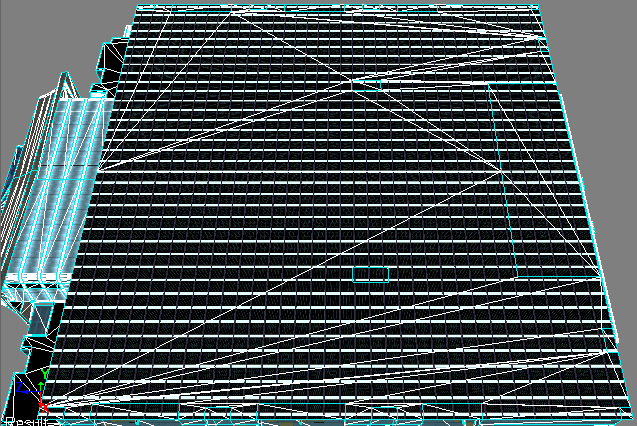
Ah, yes, the stretching glitch. mswf and Mav are in complete agreement as to the cause and probable solution to the problem, because if you look in the later posts of the blender modeling FAQ, mswf wrote about the same thing as:
The easiest thing to do is to try to reposition your UV map for the ceiling so that it isn't located in the -X,-Y quadrant (or close to it) in your UV editor.
so, even though I haven't yet put this fix into practice myself, I would definitely recommend following their advice.
And, speaking of (large) hangars with stretch glitches, take a closer look at my (large) ATAT hangar on Jade Moon. In various places, including on the roof, the texture is streched quite awkwardly, and not because I mapped it that way. Definitely a size/tiling related glitch; almost all of the large texture jobs on the skyscraper exteriors of Taris: Sky High are screwed up, whereas only one place in my entire Star Destroyer map has this glitch, and there is a LOT of uv mapping in that map.
One other thing that may or may not help is to make that specific part of the model a seperate object. This fixed a stretching glitch for me on the ramp of Taris: Spiral Stair. I had to detach the ramp from the exterior.