Page 1 of 2
Model appears as stick figure in game - Update
Posted: Thu Nov 09, 2017 7:29 pm
by xezene
Could anyone help me with this? I am attempting to get my model, a JKA conversion, into the game.
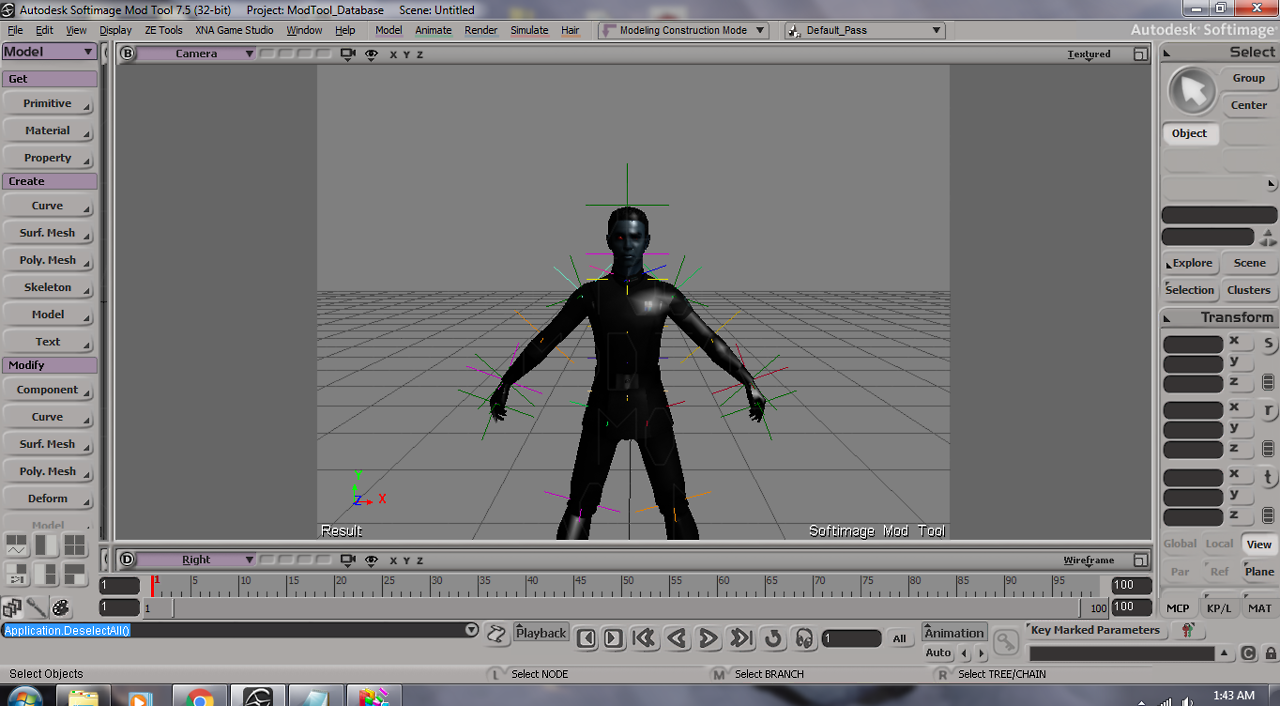
Here is what it looks like in XSI (and how it's supposed to look in-game):
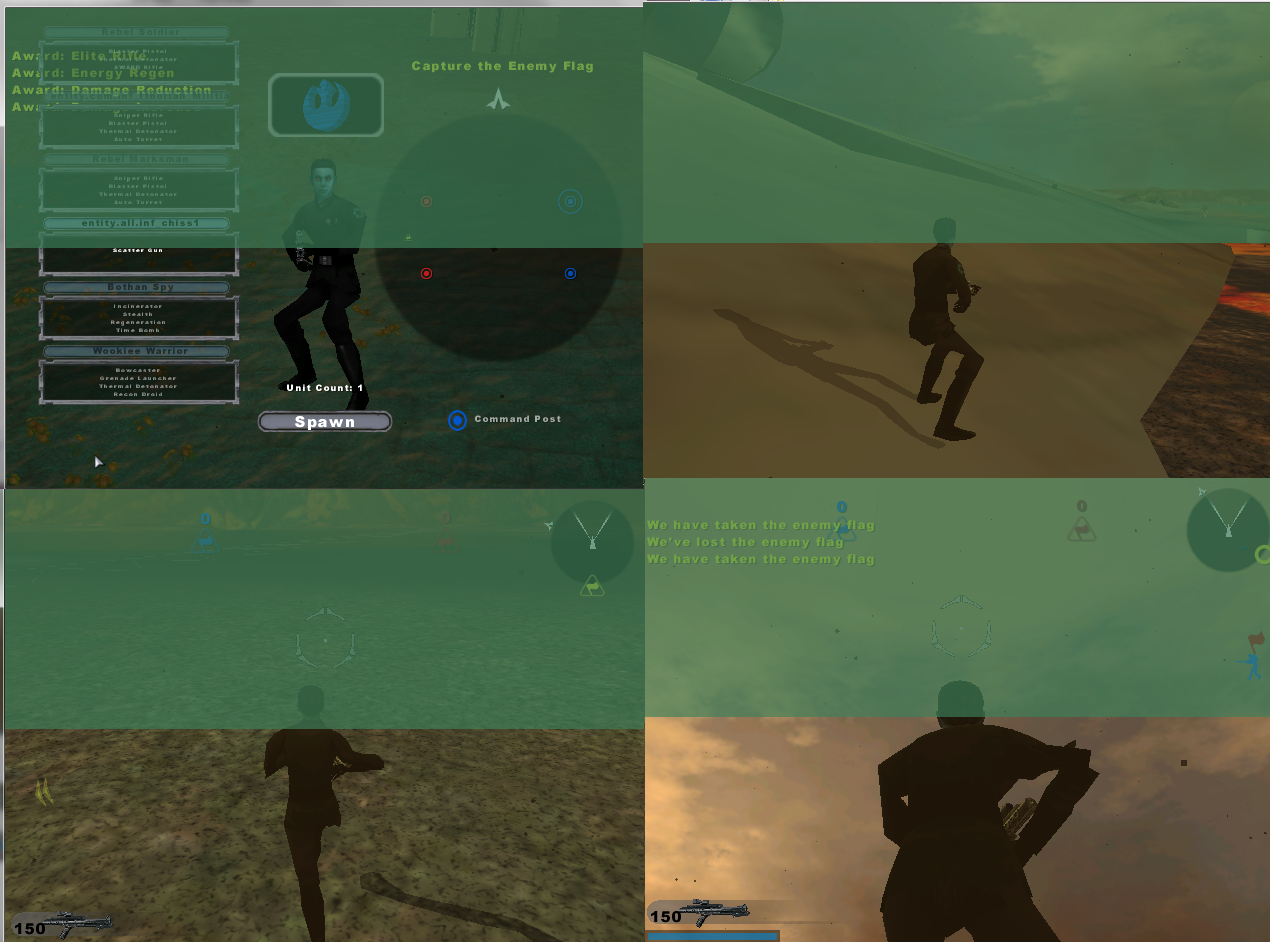
And then here is what it looks like in-game:
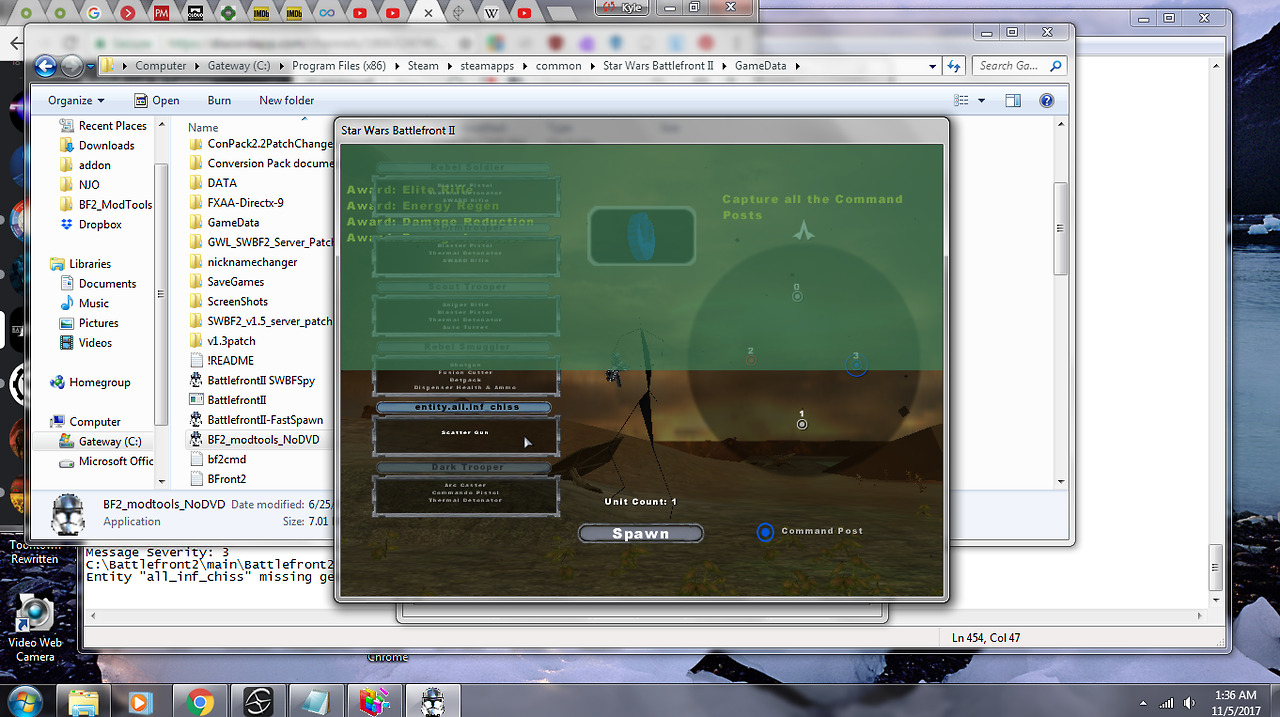
Could you help me figure out why this is and how to correct it? Would help a million!
Re: Model appears as stick figure in game
Posted: Fri Nov 10, 2017 4:55 am
by Anakin
did you triangulate the model??
Re: Model appears as stick figure in game
Posted: Fri Nov 10, 2017 5:50 am
by xezene
I did triangulate it... before I triangulated it the game just crashed.
With that said I triangulated it after I weighted it. Would that change things?
Re: Model appears as stick figure in game
Posted: Sun Nov 12, 2017 6:47 am
by Anakin
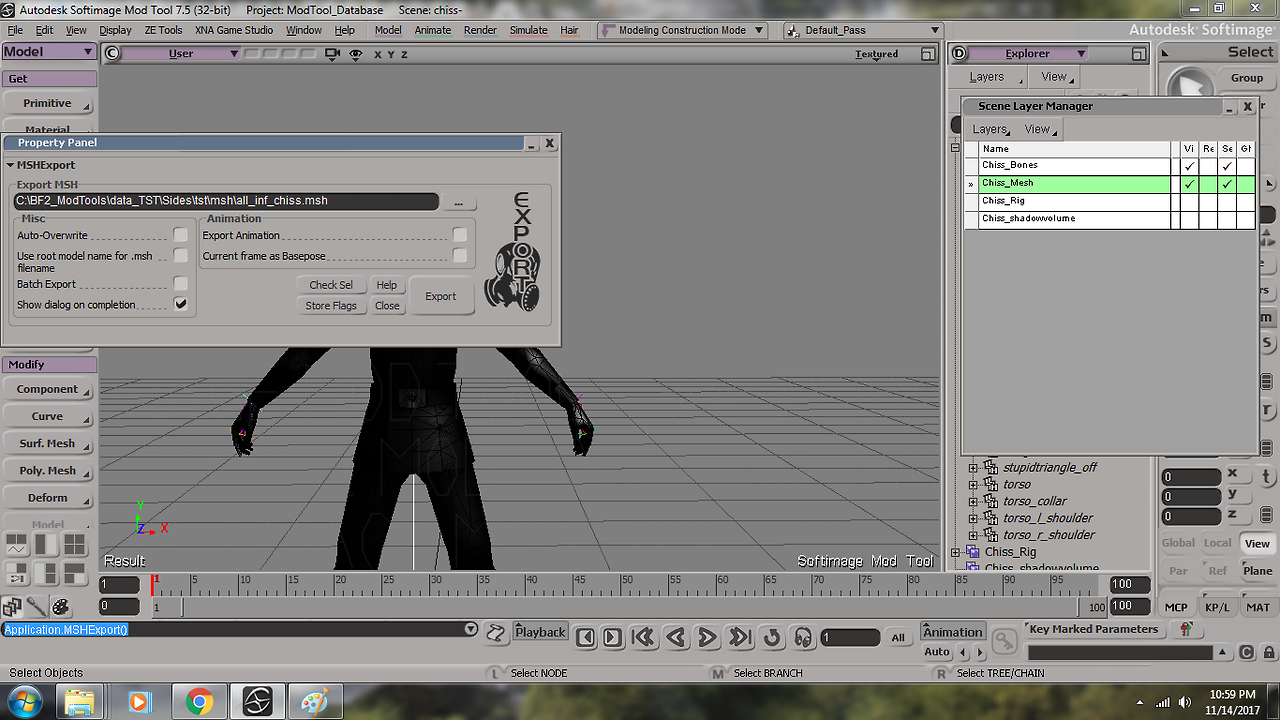
don't think so. Looks to me that you only exported the bones. Can you show us a screenshot where we can see:
1) the selected root in your scene explorer
2) the configuration of ZETools export window
Pretty sure it's something about that??
Did you try to open the model in the
mesh viewer??
Re: Model appears as stick figure in game
Posted: Wed Nov 15, 2017 1:06 am
by xezene
Here it is --
Roots
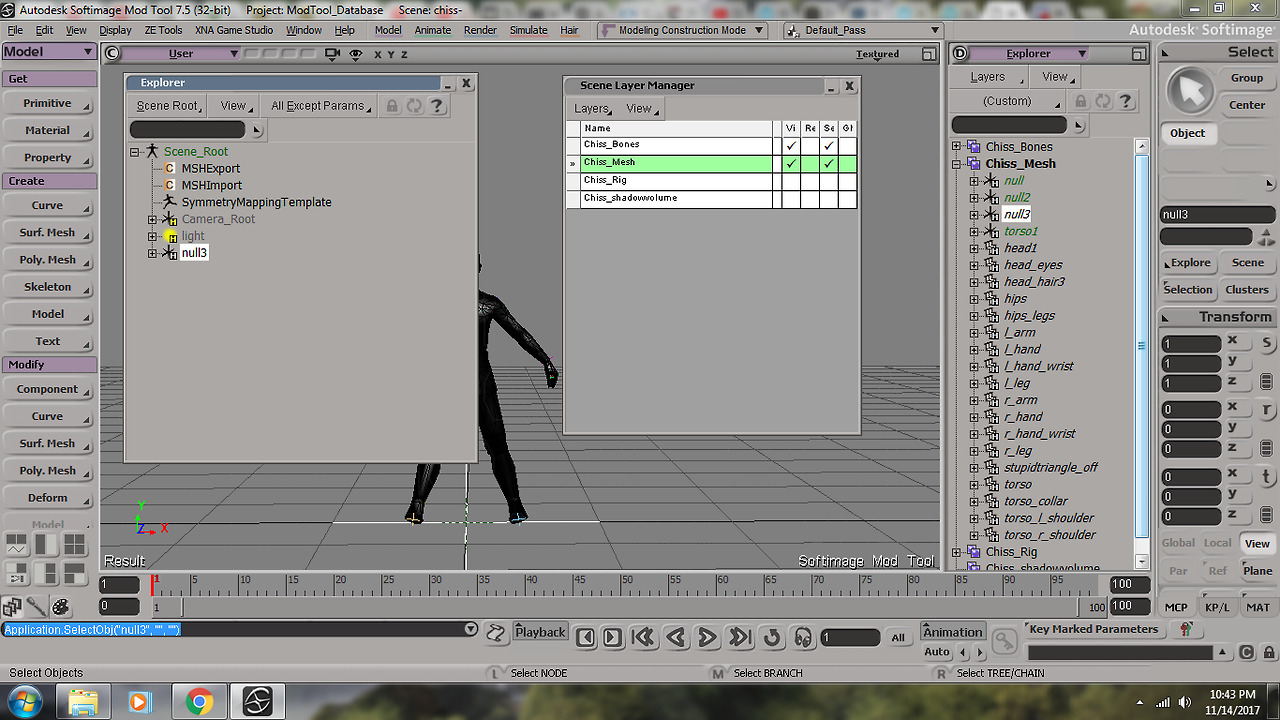
Export
Mshviewer
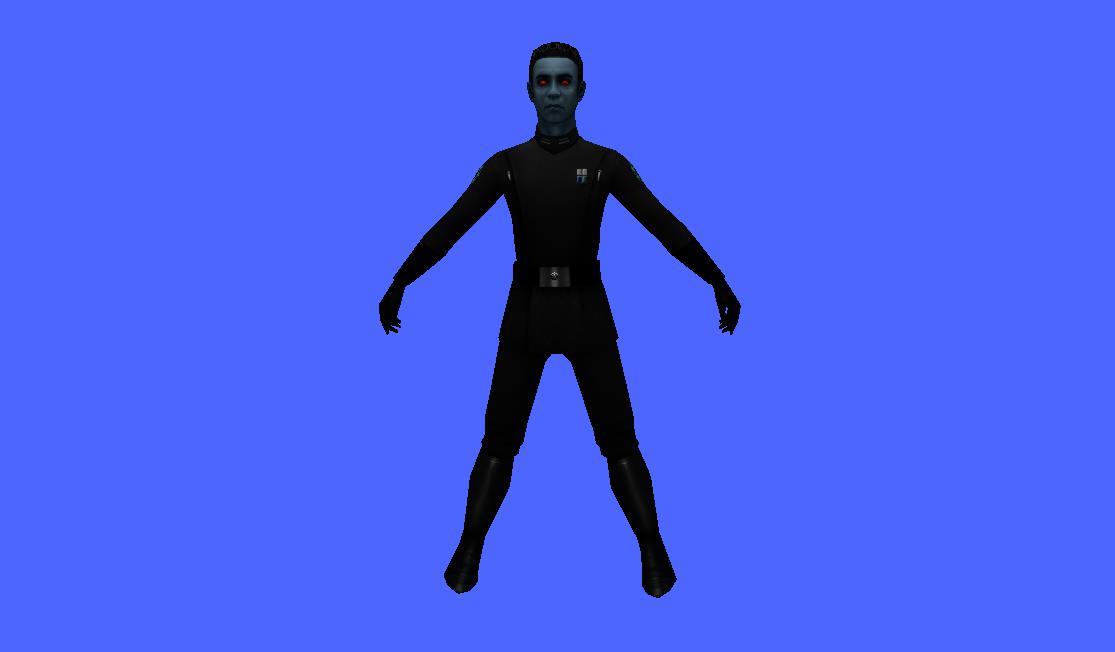
Marth suggested it might be a weight editing problem but I don't know how. I have weight edited it according to materials. Would it help if I sent the XSI scene file?
Re: Model appears as stick figure in game
Posted: Wed Nov 15, 2017 8:46 am
by Anakin
looks really like a weight problem, since the viewer can display it correctly. Can you show us the weight editor?
Re: Model appears as stick figure in game
Posted: Fri Nov 17, 2017 1:47 am
by xezene
Sure, here is an image:
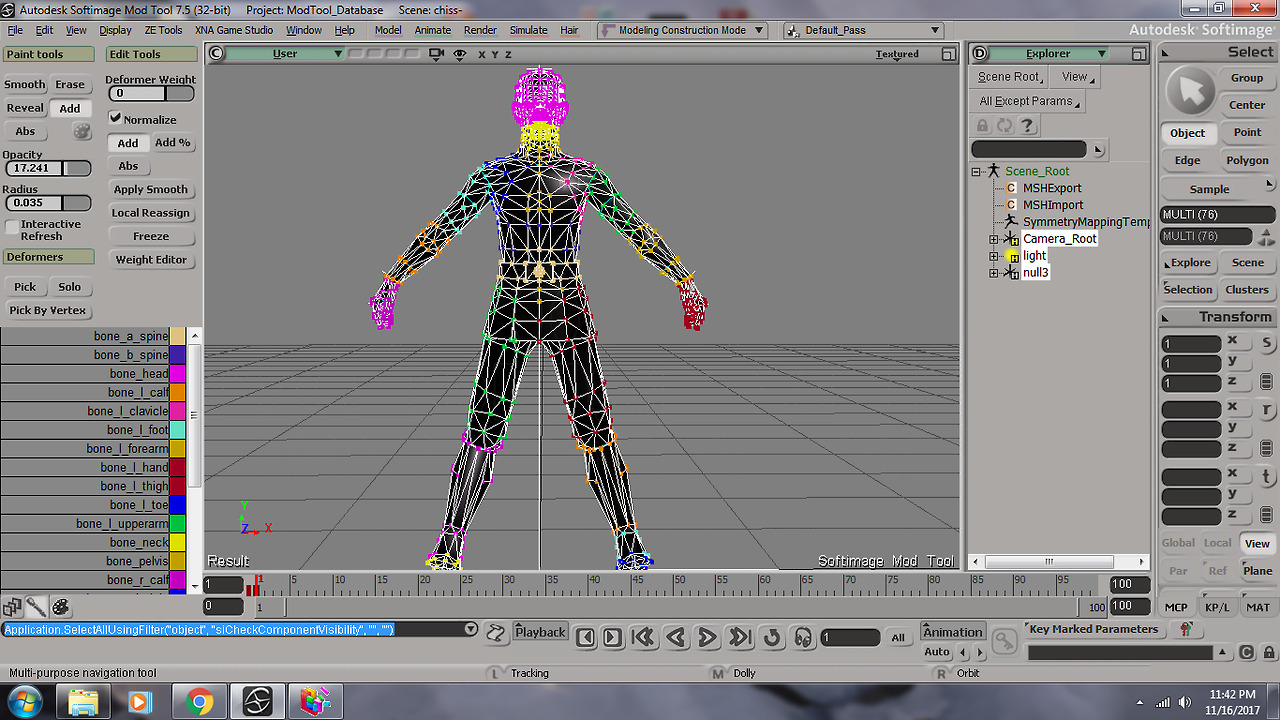
As for the weight editor, depending on what I select there's a lot in front of me, what specifically would you like me to post?
Re: Model appears as stick figure in game
Posted: Fri Nov 17, 2017 11:38 am
by Anakin
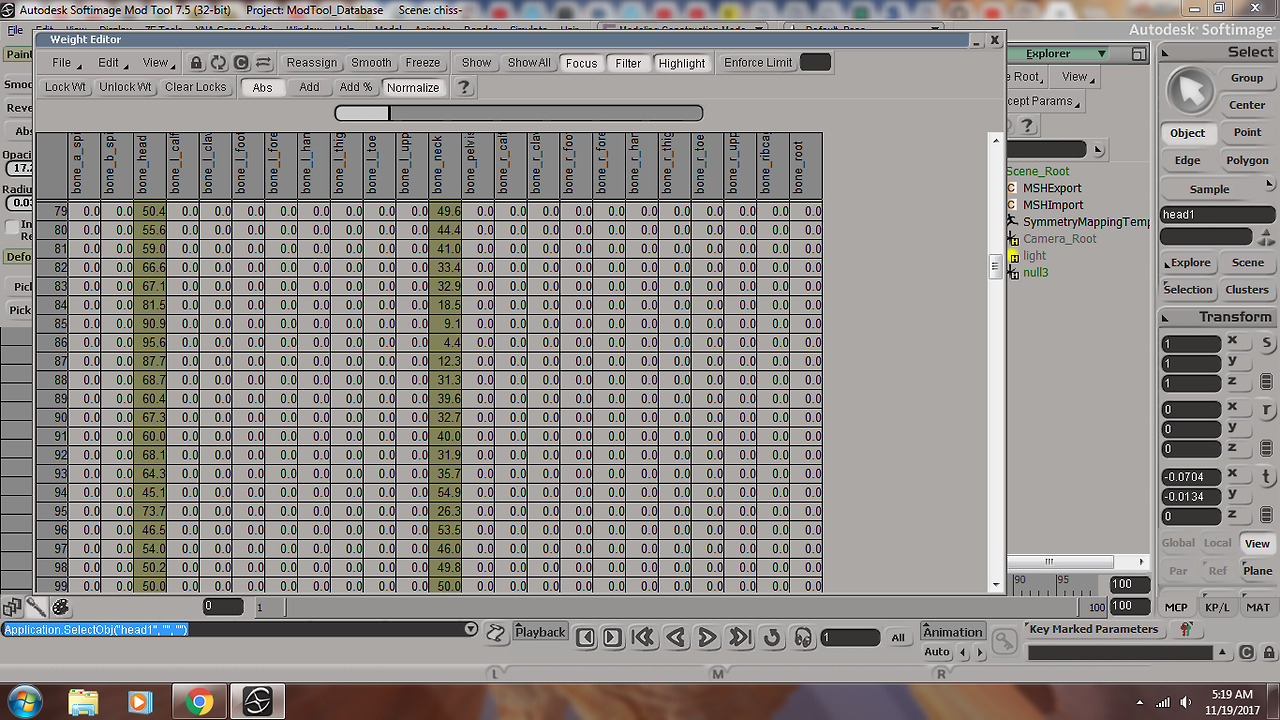
all right, when you see "the lot in front of you" i guess those are the percentages of the points. What kind of values do you have? Are they always 100% and 0% or do you have values like 23% + 10% + 7% +60%?? If it's the last case, you should take the value with the max value and change it to 100%
Re: Model appears as stick figure in game
Posted: Sun Nov 19, 2017 7:23 am
by xezene
Is this what you are referring to? This is just a sample with just the head region selected.
Re: Model appears as stick figure in game
Posted: Sun Nov 19, 2017 10:02 am
by Anakin
yeah that's what i mean. You should start with 100 and 0 values that are auto generated and adjust the values for the crossing parts manuell.
==EDIT==
I just had an other idea what could be the problem. I don't know how the old viewer handles the backface culling.
So if you could try the viewer i linked to you and activate the Backface Culling. As you can see on the picture for active backface culling only the "front" is displayed. Maybe your model is inversed
Re: Model appears as stick figure in game
Posted: Sun Nov 19, 2017 8:54 pm
by xezene
Unfortunately the new MSH viewer does not work for me (probably due to OpenGL), perhaps you can take a look and see what you find? I've thrown everything on this together here --
https://www.dropbox.com/sh/6ugqf4gblddm ... ANZMa?dl=0.
Re: Model appears as stick figure in game
Posted: Mon Nov 20, 2017 8:49 am
by Anakin
well it seams that you didn't freeze your modifications.
From the side it looks like this:
Hair + hands------------------------------------head + arms---------------------------------body--------------------------------------legs
try to import your msh through ZETools and look if it's correctly displayed or like in the picture
Why does it not work with ogl?? Don't your graphic card support ogl?? Is it only the latest version that does not work, or an older build?? I made many compatibility fixes and my latest knowledge was that it worked for almost everyone
Re: Model appears as stick figure in game
Posted: Mon Nov 20, 2017 9:55 pm
by xezene
Interesting... when I import thru ZE Tools into XSI, it looks like this:
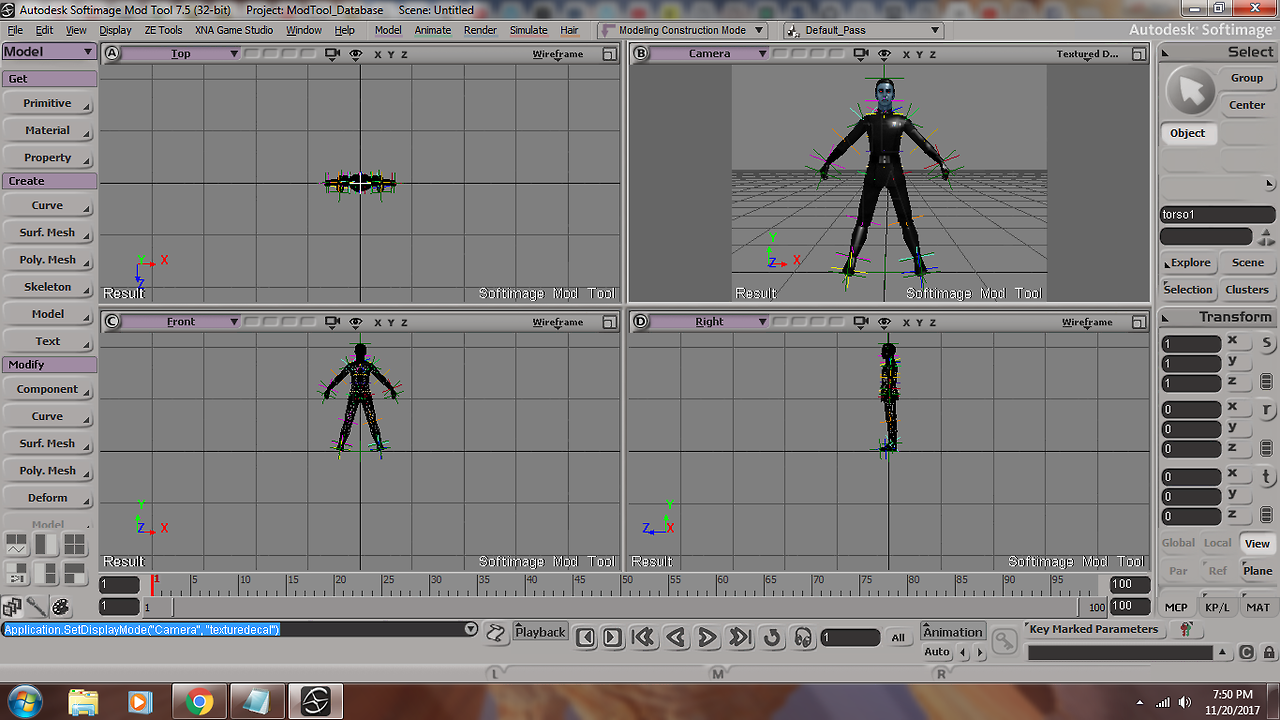
If what you say is right, and I trust that it is, then that would explain why I haven't been able to understand what's wrong. When I import/export into XSI or BFviewer it shows up perfectly. So if there was a problem I wouldn't have known about it.
So how can I repair this to make it work properly?
Regarding OpenGL, I do not believe my computer is capable of supporting it. I ran into this problem with another game I have.
Re: Model appears as stick figure in game
Posted: Tue Nov 21, 2017 9:18 am
by Anakin
The interesting thing about this is, that my old build of the viewer displays it correctly as well. But i couldn't really remember what the exact difference between how those both builds handle the mesh is.
Ok, did you any frame keying?? Are all parts scaled to 1?
The OpenGL version i used for the viewer is very low. Even onboard graphic should support it. Is there any error message??
Re: Model appears as stick figure in game
Posted: Wed Nov 22, 2017 3:10 am
by xezene
Hmm, I didn't do any frame keying that I know of (I don't know how). And I think all the parts are scaled.
As for OpenGL on the new Meshviewer, there is no error message, it just loads it, says done, but nothing shows, its the same as the before screen, just grey. Probably a graphics issue for me.
Related to the model, here is the original of it, before I attempted to put it on a JKA skeleton and envelope it --
https://www.dropbox.com/sh/mr950uuwofcd ... NiHGa?dl=0. Does it look better here? It is my first time enveloping or doing a JKA transfer -- I can make the JKA files into BF mesh files no problem, it's the enveloping I am getting the hang of.
Re: Model appears as stick figure in game
Posted: Wed Nov 22, 2017 5:15 am
by Anakin
no it's the same
Re: Model appears as stick figure in game
Posted: Thu Nov 23, 2017 2:50 am
by xezene
Hmm, that is disappointing to hear. In this case then I am truly stumped. Nothing on XSI or the old BFviewer tell me anything is wrong. Is it because it isn't one whole polymesh, but differentiated by sections? (because that is the case) Any suggestions of what to do?
Re: Model appears as stick figure in game
Posted: Fri Nov 24, 2017 6:26 am
by Anakin
well, it doesn't matter how many parts you have. Think about all the addon meshs. In your case a merge will fix the problem, since it seams that the z-axis value of all body parts are different. But i don't see any reason why. Even the new meshviewer isn't really 100% tested it may be a failure of the viewer, too. But the game cannot handle the mesh either, so i think it's not a problem of my viewer. I can try to remember how the early build of my viewer differ from the latest and maybe that can explain why the (old) viewer can display the model, but the game cannot.
The best solution actually is to send the whole scene to someone with more experience in 3d modeling to check out what's wrong with it. I don't have any SWBF stuff installed anymore, so i cannot help you. Sorry. Maybe you wanna ask ANDEWEGET. He made the ZETool and knows a lot about XSI and the mesh format
Re: Model appears as stick figure in game
Posted: Fri Nov 24, 2017 7:58 am
by xezene
Cool, I will do so. Thanks!
Re: Model appears as stick figure in game -- Update
Posted: Wed Feb 07, 2018 7:50 am
by xezene
Hey guys, so I decided to start over with this and I got it to work in the game. But my model deforms and I am wondering what to do. It should be noted I am using the JKA-BF2 basepose milehighguy made, with a model that I brought over from JKA. Any ideas on how to make it look right?