Page 1 of 1
Multiple Problems with ARC Trooper MSH
Posted: Mon Feb 16, 2015 10:32 pm
by rc1207sev
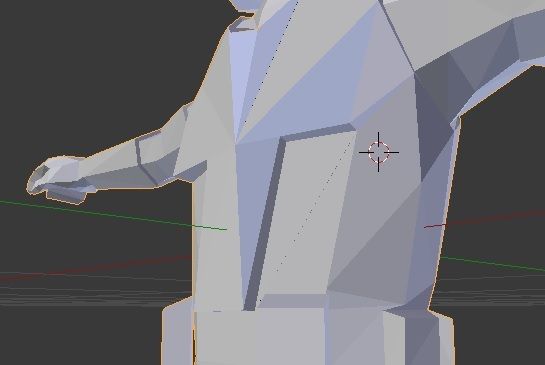
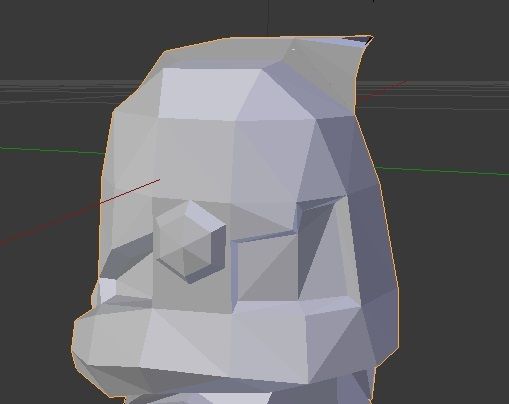
So, if you read my other post regarding this I created an ARC trooper msh, and after successfully exporting it, am dissapointed to see that it did not keep the animations. Here are my changes that I have already made to what's supposed to be Fives:
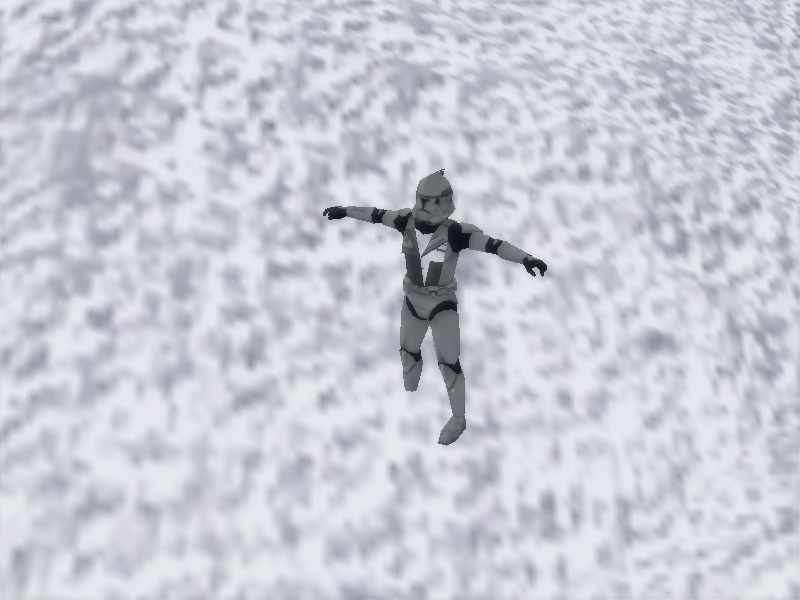
And, to my dissapointment, this is what turned up in-game:
Now, from that picture, it obviously points out 2 major problems that I am completely clueless about:
The animations are not, uh, working in the model.
The textures on the chest are extremely screwed up, mainly because I have no idea how to texture on a new msh.
I can probably find out how to texture the msh, but I don't know where to start with the animations. Any help would be appreciated.
Re: Multiple Problems with ARC Trooper MSH
Posted: Tue Feb 17, 2015 1:44 am
by lucasfart
You can't actually animate models in blender. You need to use XSI in order to achieve that! If you check out the Blender FAQ in the top post of this forum, you'll find all the details you need about what you can and can't do hopefully. It's ok for anything static, but not anything that requires moving parts or hp's (to attach effects to). Your problem with the texture is because in the process of adding and removing vertices you've messed up the UV layout. You need to learn how to UV an object. Again, a google search should give you thousands of decent tutorials on how to UV in blender.

Best of luck!
Re: Multiple Problems with ARC Trooper MSH
Posted: Tue Feb 17, 2015 9:23 am
by rc1207sev
lucasfart wrote:You need to learn how to UV an object.
Thanks, I didn't really know what the term was
EDIT: Just found out how to UV Map, but I think it'll be easier to make an addon msh and hex-edit it in later.
EDIT2: Problem: How do I hex edit in my addon msh, with only the msh file? The tutorials aren't really making much sense to me, and it seems you need some more stuff than the addon msh (what's a dummyroot?)
Re: Multiple Problems with ARC Trooper MSH
Posted: Fri Feb 20, 2015 12:25 pm
by CressAlbane
It sounds like you might benefit from importing some of the stock models into XSI and figuring out how things work. We have a nice plugin ZETools (courtesy of ANDEWEGET, found stickied in this subforum) that lets you examine everything a .msh needs to work in ZeroEngine.
Blender, which I think you've been using to create your model, can't preserve all of the details that Battlefront needs through the existing .wrl -> .msh pipeline. Your model needs to be enveloped to a skeleton, which you can do in XSI and export using ZETools. The process should also reveal to you other parts of preparing the model (DummyRoot solved!) that you're missing now.