Page 27 of 44
Re: SketchUp Models
Posted: Mon Jan 04, 2010 5:52 pm
by Null_1138
Skyhammer_216 wrote:Null_1138 wrote:Eaol wrote:Ok, thats what I thought.
I should mention, however, that if you have an alpha channel on the texture, both sides will be visible and have correct collision, I think. Look at nab2_prop_fence01.
Nope.
nab2_prop_fence01 is a double sided object. Polygons are in the same place on each side, just reversed.
I'm pretty sure its single sided, but I take back what I said that alpha channels make both sides of the same face visible.
To test this, I put a simple alpha channel on the nab2_bldg_arch05.tga (the door). I selected a simple circle on the middle of the door, inverted the selection, and saved the alpha. Then I hex edited nab2_prop_door.msh to accept the alpha channel. Then I looked at the door in the MSH Viewer. Because this door actually has two faces visible from the opposite direction (so that people could see a door on either side of the object), I could see a circle in the door missing on each side.
On the other hand, the stock nab2_prop_fence_01, which already has an alpha channel, can only be viewed in the MSH Viewer from only one side. However, ingame, you can see both sides. This tells us that the fence has only one face, but has a special property that allows for viewing from both sides ingame.
But I think we've strayed offtopic.
Re: SketchUp Models
Posted: Mon Jan 04, 2010 10:00 pm
by Knightfire2201
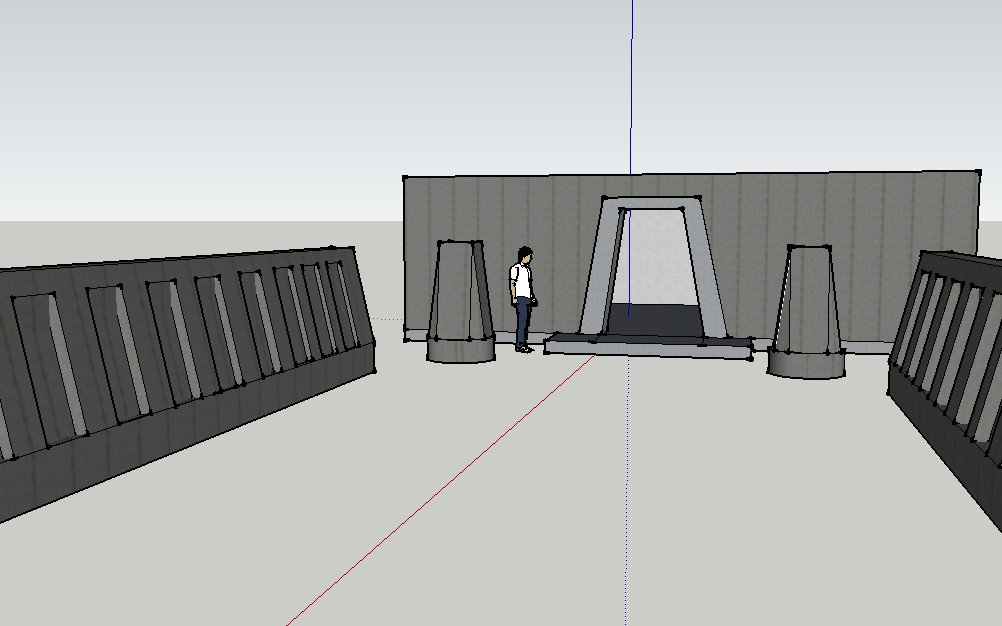
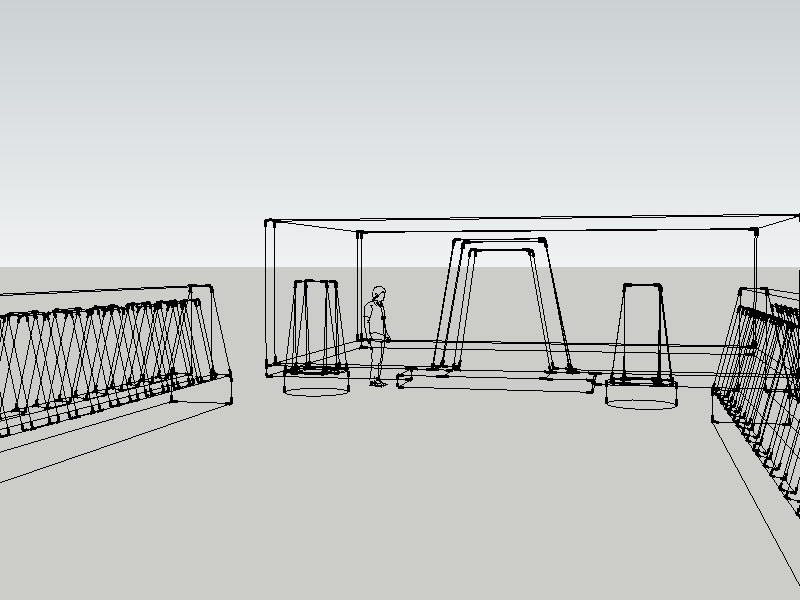
These aren't as good as some of the other models i've seen in this topic, but here are some corridors i've been working on for a map.
Re: SketchUp Models
Posted: Mon Jan 04, 2010 10:17 pm
by Null_1138
Those are pretty good, actually.

Re: SketchUp Models
Posted: Tue Jan 05, 2010 7:33 am
by Knightfire2201
Thanks
Re: SketchUp Models
Posted: Tue Jan 05, 2010 10:12 pm
by Wonderboy
yeah those are good, whats your map gonna be based on?
Re: SketchUp Models
Posted: Wed Jan 06, 2010 7:47 am
by Knightfire2201
The corridors are based off of TimeSplitters 3, and the map is based off a design my friend came up with while fooling around in the map editor of the same game.
Re: SketchUp Models
Posted: Sun Jan 10, 2010 12:32 am
by lucasfart
Just been working on a model of Helms Deep and have just finished the keep

Being the slow perfectionist that i am this alone took me about 3-4 hours

. i based it off this pic :
Here's the model so far......i have yet to get a good texture though....:
As you may have noticed, i changed things around a bit behind the keep entry, adding a spot for snipers up the top....
EDIT: ok i just reloaded the page and couldn't see my pictures so i'll just add the link here:
http://img145.imageshack.us/gal.php?g=k ... d8helb.png
Re: SketchUp Models
Posted: Tue Jan 12, 2010 7:27 pm
by Wonderboy
looks good, but i would invert the polies so they are all white, or else you wont be able to see them ingame
Re: SketchUp Models
Posted: Wed Jan 13, 2010 11:33 am
by TK432
Heres my first (i hope not hopeless) attempt in modeling, it's a simple base, hope you like it.
Re: SketchUp Models
Posted: Wed Jan 13, 2010 4:22 pm
by Knightfire2201
That's pretty cool. Personally, I don't think that the seamed metal texture looks good. It's too... repetitive, and way too straight. I really like it, otherwise.
EDIT:
a Blender render of my finished corridor.
not as good as the original image, but it suffices.
Re: SketchUp Models
Posted: Wed Jan 13, 2010 8:52 pm
by Eaol
That looks amazing.
Re: SketchUp Models
Posted: Thu Jan 14, 2010 3:09 pm
by TK432
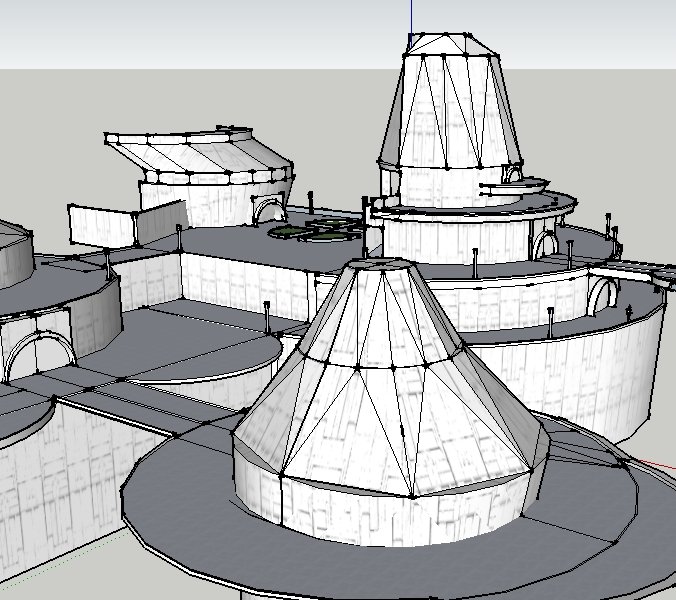
So I've been trying around a few, heres my result
any suggestions or tips?
(especially for the textures, you know some that fit?)
Re: SketchUp Models
Posted: Thu Jan 14, 2010 3:24 pm
by Lephenix
Whoa

It is awsome , what is this ?
Re: SketchUp Models
Posted: Thu Jan 14, 2010 5:02 pm
by Knightfire2201
Eaol wrote:That looks amazing.
Thanks. But, Blender renders make everything look amazing
TK432 wrote:So I've been trying around a few, heres my result
any suggestions or tips?
(especially for the textures, you know some that fit?)
wow. That's... amazing...
For textures, that line pattern overlaid on SketchUp's metal_rough texture might look good.
Where'd you get that texture, by the way?
Edit:
*looks back* Uh-oh.. Someone used SketchUp circles..and SketchUp arcs..
Just a sugesstion, but if that's gonna go ingame, you might want to halve the circle/arc count.
SketchUp circles kill the poly count...
Re: SketchUp Models
Posted: Thu Jan 14, 2010 7:27 pm
by Null_1138
Those buildings look awesome.
Re: SketchUp Models
Posted: Fri Jan 15, 2010 10:09 am
by TK432
Knightfire2201 wrote:For textures, that line pattern overlaid on SketchUp's metal_rough texture might look good.Where'd you get that texture, by the way?
ok I'll try that one out, thanks. The texture I'm using atm is a reskin of a bespin texture
Knightfire2201 wrote:Edit: *looks back* Uh-oh.. Someone used SketchUp circles..and SketchUp arcs..
Just a sugesstion, but if that's gonna go ingame, you might want to halve the circle/arc count.
SketchUp circles kill the poly count...
I'm not sure if i'll ever use this, since its actually just a test to get a hand for the tools. But if i will, I'll defenetly look after this.
thanks for the comments
Re: SketchUp Models
Posted: Fri Jan 15, 2010 11:57 am
by mswf
TK432 wrote:Knightfire2201 wrote:Edit: *looks back* Uh-oh.. Someone used SketchUp circles..and SketchUp arcs..
Just a sugesstion, but if that's gonna go ingame, you might want to halve the circle/arc count.
SketchUp circles kill the poly count...
I'm not sure if i'll ever use this, since its actually just a test to get a hand for the tools. But if i will, I'll defenetly look after this.
Quick tip; after pressing on the arc/polygon tool button, use your keyboard to insert how many edges you want that arc/polygon to have(number 3-20, if I remember correct, look in the down right corner). Then press enter, et voìla!
Re: SketchUp Models
Posted: Fri Jan 15, 2010 7:45 pm
by Eaol
Re: SketchUp Models
Posted: Fri Jan 15, 2010 10:06 pm
by Knightfire2201
Woah. No idea what planet that's from.. but that's awsome.
Try hiding the lines for a better picture, though(shift + eraser)
Re: SketchUp Models
Posted: Sat Jan 16, 2010 12:02 am
by Wonderboy
mswf wrote:TK432 wrote:Knightfire2201 wrote:Edit: *looks back* Uh-oh.. Someone used SketchUp circles..and SketchUp arcs..
Just a sugesstion, but if that's gonna go ingame, you might want to halve the circle/arc count.
SketchUp circles kill the poly count...
I'm not sure if i'll ever use this, since its actually just a test to get a hand for the tools. But if i will, I'll defenetly look after this.
Quick tip; after pressing on the arc/polygon tool button, use your keyboard to insert how many edges you want that arc/polygon to have(number 3-20, if I remember correct, look in the down right corner). Then press enter, et voìla!
It goes WAAY over 20, i just tried entering 300 and it works for both arc and circle