Converting A Blender-Exported File To .Msh
Posted: Mon Feb 16, 2015 5:54 pm
Hi, I recently downloaded Blender version 2.73a, and in the tutorial I read, you are supposed to .wrl and convert it to .msh via the Battlefront msh File Viewer. However, this new version of Blender can only import .wrl files (is this the right extension? I can't remember), and it can't export to .wrl. I've tried searching for different converters but I can't find anything. These are the files I can export to with the new Blender:
dae
ply
stl
3ds
fbx
obj
x3d
Any tutorial, utility or lead would be appreciated. Thank you!
In case you're wondering, I'm working on an ARC trooper mod (like Fives and Echo)
dae
ply
stl
3ds
fbx
obj
x3d
Any tutorial, utility or lead would be appreciated. Thank you!
In case you're wondering, I'm working on an ARC trooper mod (like Fives and Echo)
Hidden/Spoiler:
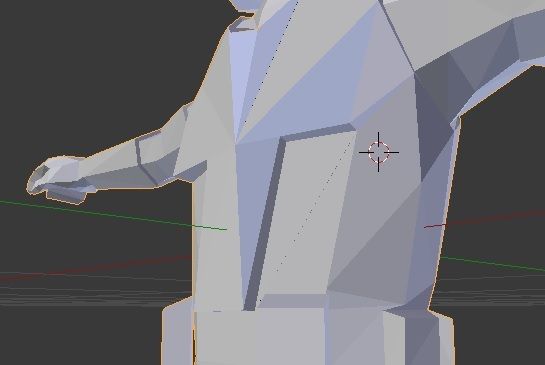
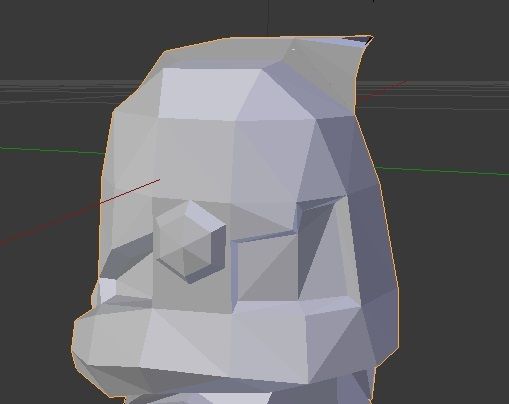
 Remember, we aren't the only ones that use blender! You'll find a lot of helpful tools, tutorials and advice on other websites too!
 Hope that helps!