Making Interiors (Tutorial)

How to create models in XSI and other 3D applications and make them work in Battlefront 1 & 2. Post models, tips for application usage and share anything XSI, 3DMax, SketchUp, etc.

Moderator: Moderators

Post Reply
thelegend
Sith
Sith
Posts: 1433
Joined: Thu Jan 23, 2014 6:01 am
Projects :: Star Wars - Battlefront III Legacy
Games I'm Playing :: Swbf GTA CoD LoL KH
xbox live or psn: El_Fabricio#
Location: Right behind you :)

Making Interiors (Tutorial)

Post by thelegend »

Hello Gametoast,
I am going to explain you how to create interoir rooms and walkways in xsi. This is my first tutorial and I hope it's the first about it.
Anyway. I didn't know how to do that either. But I found a simple trick. You won't need any more tools than XSI.

1. Create your interoir. I am going to make a walkway.
Hidden/Spoiler:
Image
I made a cube and deleted the front and back polygons. After that I textured it with one of the Yavin Wall Textures.

2. Select the object and change the following Scaling values from..:
Hidden/Spoiler:
Image
to:
Hidden/Spoiler:
Image
3. Now your object should look like in this picture:
Hidden/Spoiler:
Image
4. Now rotate the blue Z-Axis to 180 degress.
Hidden/Spoiler:
Image
5. You know what will be the next step :P No? Well then....Now export your model as a .msh file and test it in ZeroEditor and in game.
Note: You can only use this trick for floors, walls and roofs. If you want to add pillars, columns or other items then you must export them seperately without using my trick in this tutorial.

This trick works absolutely fine for me. And it's the only way I know.
But I guess using the hex editor is the other solution.

Thanks for reading.
Marth8880
Resistance Leader
Posts: 5042
Joined: Tue Feb 09, 2010 8:43 pm
Projects :: DI2 + Psychosis
Games I'm Playing :: Silent Hill 2
xbox live or psn: Marth8880
Location: Edinburgh, UK
Contact:

Re: Making Interoirs (Tutorial)

Post by Marth8880 »

Easier, simpler solution for steps 2-4: select polygons and go to Modify, Poly Mesh, Invert Polygons.
thelegend
Sith
Sith
Posts: 1433
Joined: Thu Jan 23, 2014 6:01 am
Projects :: Star Wars - Battlefront III Legacy
Games I'm Playing :: Swbf GTA CoD LoL KH
xbox live or psn: El_Fabricio#
Location: Right behind you :)

Re: Making Interoirs (Tutorial)

Post by thelegend »

Oh. :faint: That's actually all? I never knew that. I always did something else. :runaway:
Sir. You made xsi a lot easier for me. Thank you. :bowdown:
Hidden/Spoiler:
But selecting polygons can be a handy action. So both ways have their advantages and disadvantages. But thank you for that.
User avatar
AceMastermind
Gametoast Staff
Gametoast Staff
Posts: 3285
Joined: Mon Aug 21, 2006 6:23 am
Contact:

Re: Making Interoirs (Tutorial)

Post by AceMastermind »

... select polygons and go to Modify, Poly Mesh, Invert Polygons.
or
Select polygons > right-click > Invert Polygons

Most of the modeling tools can be accessed from the right-click context menu preventing you from digging through menus.

If you have an exterior already modeled and you wanted to create an interior from it, there are several plugins that can create a shell or solidify, add thickness in a couple of clicks, but i've seen better results from using the MoveNormal plugin on more complex geometry.
MileHighGuy
Jedi
Jedi
Posts: 1194
Joined: Fri Dec 19, 2008 7:58 pm

Re: Making Interoirs (Tutorial)

Post by MileHighGuy »

Do you have any advice for creating windows/holes that connect the interior and exterior? I don't know of an easy way to do that yet.
User avatar
AceMastermind
Gametoast Staff
Gametoast Staff
Posts: 3285
Joined: Mon Aug 21, 2006 6:23 am
Contact:

Re: Making Interiors (Tutorial)

Post by AceMastermind »

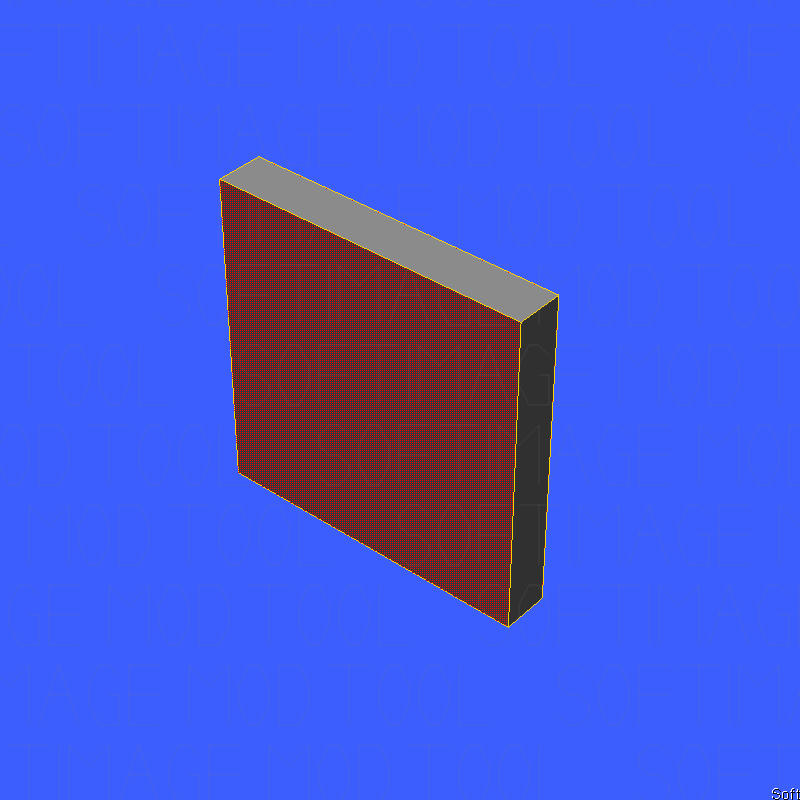
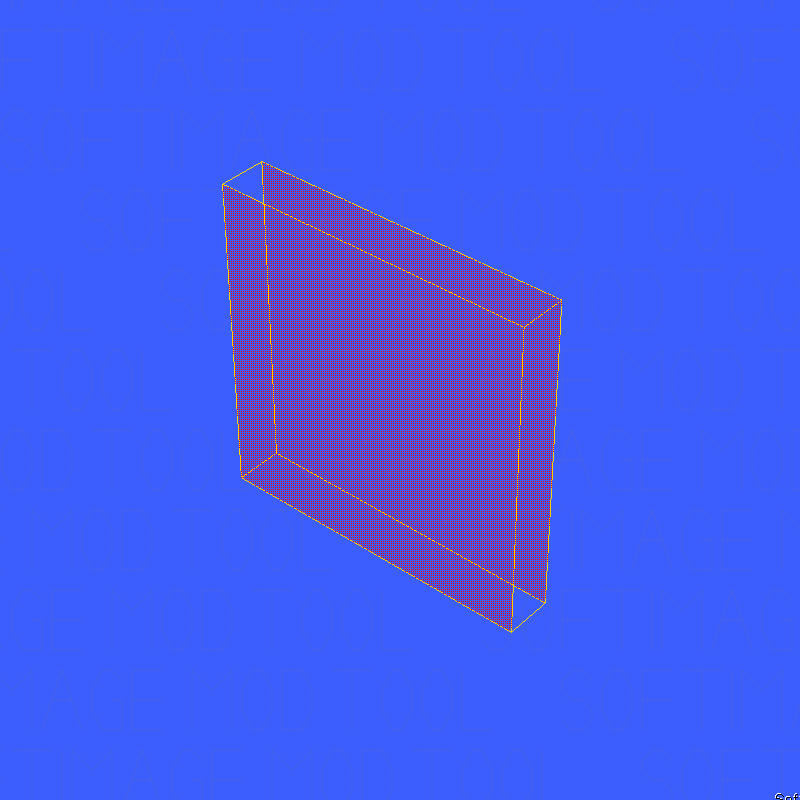
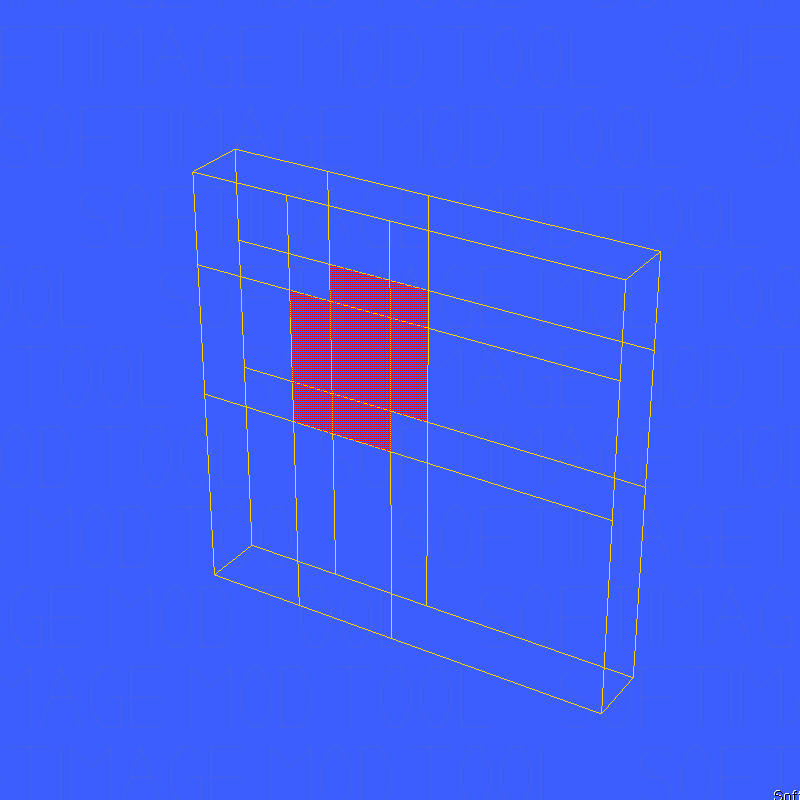
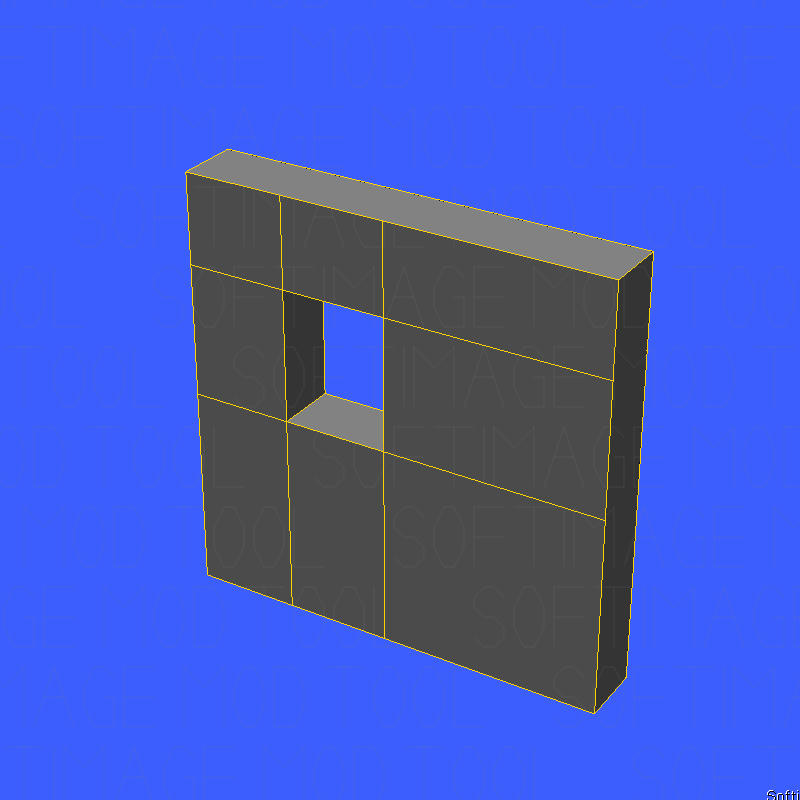
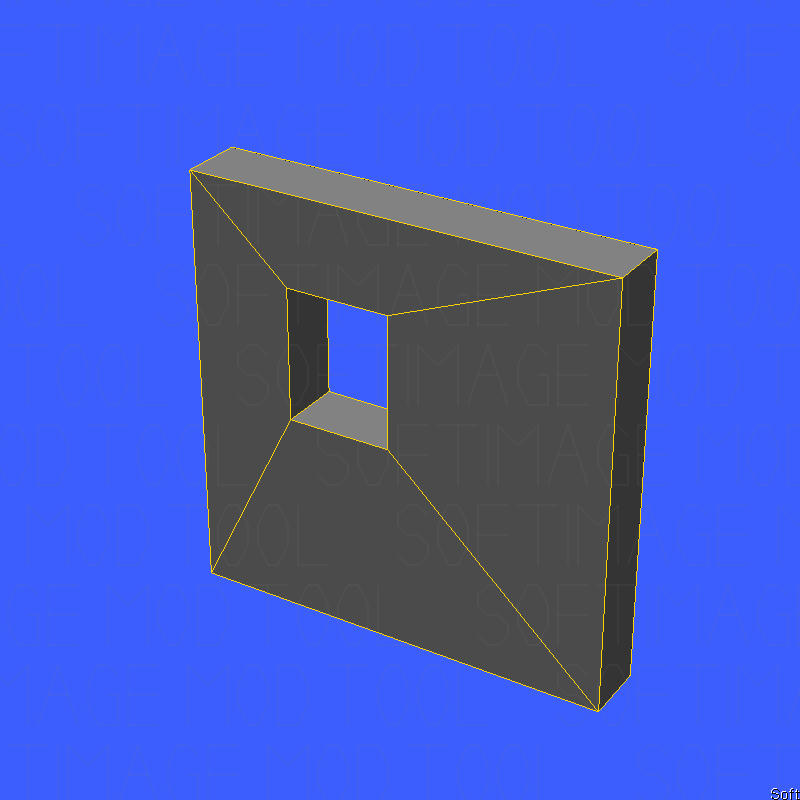
I usually start by isolating a selection by picking only the walls that will be affected. I use the knife tool in an orthographic view to draw the outline for the opening, then bridge the internal polygons to connect them. I'll worry about cleaning up unterminated edges afterward.

Hidden/Spoiler:
Image

Image

Image

Image

Image

Image
MileHighGuy
Jedi
Jedi
Posts: 1194
Joined: Fri Dec 19, 2008 7:58 pm

Re: Making Interoirs (Tutorial)

Post by MileHighGuy »

Thanks a lot Ace!
jojo3450
Rebel Warrant Officer
Posts: 317
Joined: Fri Jul 18, 2014 12:29 am
Projects :: No Mod project currently.
Games I'm Playing :: starwarsBattlefront2
xbox live or psn: No gamertag set

interiors more in depth

Post by jojo3450 »

So I followed the interior tutorial but I don't get it and the steps are confusing can anyone go more in depth?
Marth8880
Resistance Leader
Posts: 5042
Joined: Tue Feb 09, 2010 8:43 pm
Projects :: DI2 + Psychosis
Games I'm Playing :: Silent Hill 2
xbox live or psn: Marth8880
Location: Edinburgh, UK
Contact:

Re: interiors more in depth

Post by Marth8880 »

jojo3450 wrote:the steps are confusing
Which steps are confusing?
jojo3450
Rebel Warrant Officer
Posts: 317
Joined: Fri Jul 18, 2014 12:29 am
Projects :: No Mod project currently.
Games I'm Playing :: starwarsBattlefront2
xbox live or psn: No gamertag set

Re: Making Interiors (Tutorial)

Post by jojo3450 »

thelegend wrote:
1. Create your interoir. I am going to make a walkway.
Hidden/Spoiler:
Image
I made a cube and deleted the front and back polygons. After that I textured it with one of the Yavin Wall Textures.
what does it mean to deleted the front and back polygons how would I do that?
thelegend
Sith
Sith
Posts: 1433
Joined: Thu Jan 23, 2014 6:01 am
Projects :: Star Wars - Battlefront III Legacy
Games I'm Playing :: Swbf GTA CoD LoL KH
xbox live or psn: El_Fabricio#
Location: Right behind you :)

Re: Making Interiors (Tutorial)

Post by thelegend »

To delete polygons you need to select them and then press the 'delete" key.
Post Reply